34
Operating your monitor
|
NOTE: Your monitor has a built-in feature to automatically
calibrate the brightness to compensate for LED aging.
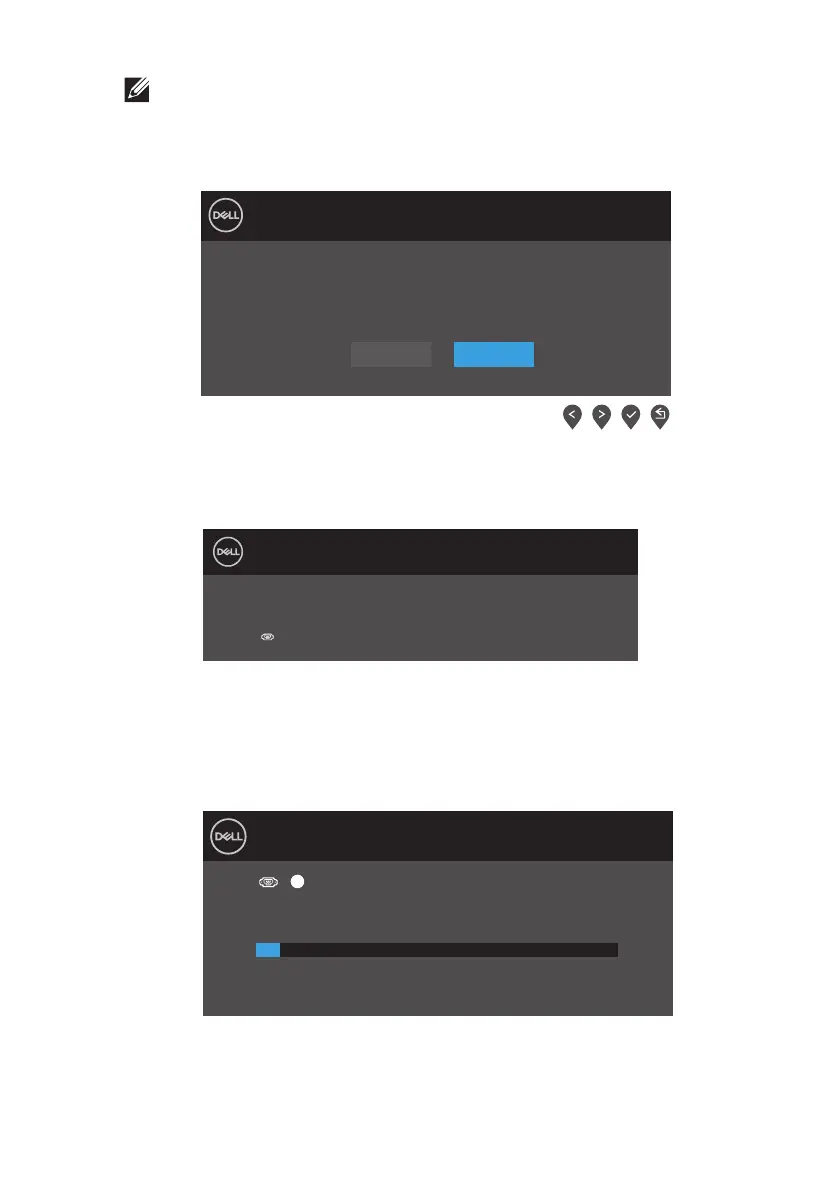
If VGA or HDMI cable is not connected, a oating dialog box as shown below
appears. The monitor will enter Power Save Mode after 4 minutes if left in this state.
See Troubleshooting for more information.
Dell 20 Monitor
?
No VGA Cable
The display will go into Power Save Mode in 4 minutes.
www.dell.com/D2020H
D2020H
Before the DDC/CI function is disabled, the following message is displayed.
Dell 20 Monitor
D2020H
Yes No
The function of adjusting display setting using PC application
will be disabled.
Do you wish to disable DDC/CI function?
When the monitor enters Power Save Mode, the following message appears.
Dell 20 Monitor
D2020H
Entering Power Save Mode.











 To Next Page