It is recommended that you connect external
SSD/HDD/Optical drive to your computer directly.
Resolution on the
monitor is lower than
4K
connected to the HDMI
or D
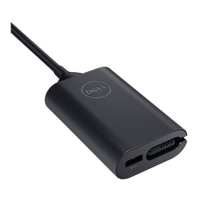
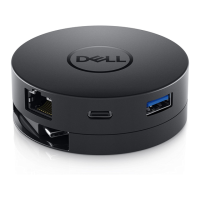
The mobile adapter supports up to 4K 60Hz. The
resolution supported is dependent on the DisplayPort
1.3/ DisplayPort 1.4 support from your computer as well
as the 4K support on displays (monitors/ projectors).
The mobile adapter is
not
The mobile adapter does not support Power Delivery
specifications and does not provide power pass through
the USB-C port.
The mobile adapter is
not
The mobile adapter supports MAC address pass-
through and PXE boot with system BIOS support.
• If your computers BIOS doesn’t support MAC
address pass-through and PXE boot, the mobile
adapter will be unable to support these features.
PXE boot support depends on the BIOS of your
computer. For more information, check the
documentation for your computer.
No video on the
monitor attached to the
mobile adapter
Check the video connection cables.
• Unplug the peripheral from the mobile adapter, wait
for 10 seconds then plug in the peripheral.
Check the video connection cables.
• Check and update
the video resolution under Control
Panel > All Control Panel Items > Display > Screen
Resolution.


 To Next Page