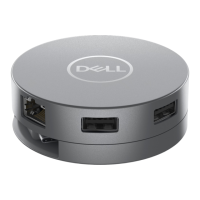
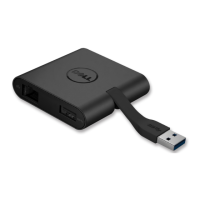
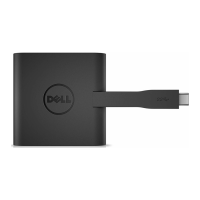
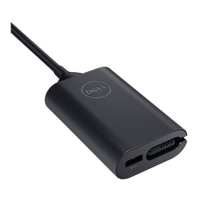
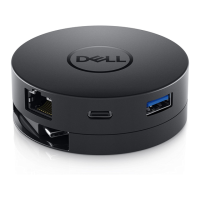
The mobile adapter is
not working on the USB
-
The mobile adapter is only compatible with the USB-C
port on your computer (Display Port over USB-C and
Thunderbolt ports).
Multiple displays are
not working
The mobile adapter only supports single display out. You
can only connect a peripheral to the HDMI port, or
DisplayPort, or the VGA port at a time.
Utilizing all the ports at
the same time is not
working
If you connect the mobile adapter to a 5V/3A USB-
port on your computer, you can use one video out
port, ethernet port, and two USB-C ports.
• If you connect the mobile adapter to a 5V/1.5A USB-
C port on your computer, you can use one video out
port, ethernet port, and only one USB port.
The USB-C port power
cannot be increased
Some platform BIOS has an option to enable 15W of
power for the USB-C port.
• Press F2 while the system is starting up to go to
Power Management.
• Locate the USB-C port power and change it
accordingly.
Power Surge message
pops up when
connecting a
• The peripheral you plugged in to the mobile adapter
needs more power.
• Disconnect other peripherals plugged in to the
mobile adapter.
• For high-power peripherals, it is recommended to
connect the peripheral to your computer directly.
Unable to read and
write to an external
SSD/HDD and optical
(CD/DVD/ Blu
Some external SSD/HDD/Optical drives require
higher power than what your mobile adapter can
support.


 To Next Page