your computer the USB-A and USB–C ports will work at the same time.
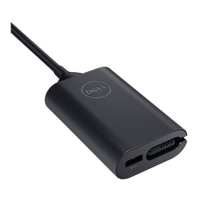
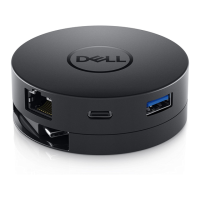
NOTE: When the mobile adapter is connected to the 5V/1.5A USB-C port
on your computer only one of the USB-A and USB-C ports will work.
For example:
• When a peripheral is plugged in to the USB-C port on your mobile
adapter, the USB-A will be disabled.
• When a peripheral is plugged in to the USB-A port on your mobile
adapter, the USB-C will be disabled.
NOTE: Downstream video out ports support a maximum of 3840 x 2160 at
60Hz refresh rate with computers that support DisplayPort 1.3/1.4
standard (For more information, see the specifications of your computer).
The mobile adapter will default to the 3840 x 2160 at 30Hz refresh rate
with systems that support DisplayPort 1.2 or lower.


 To Next Page