46 Adding Parts
www.dell.com | support.dell.com
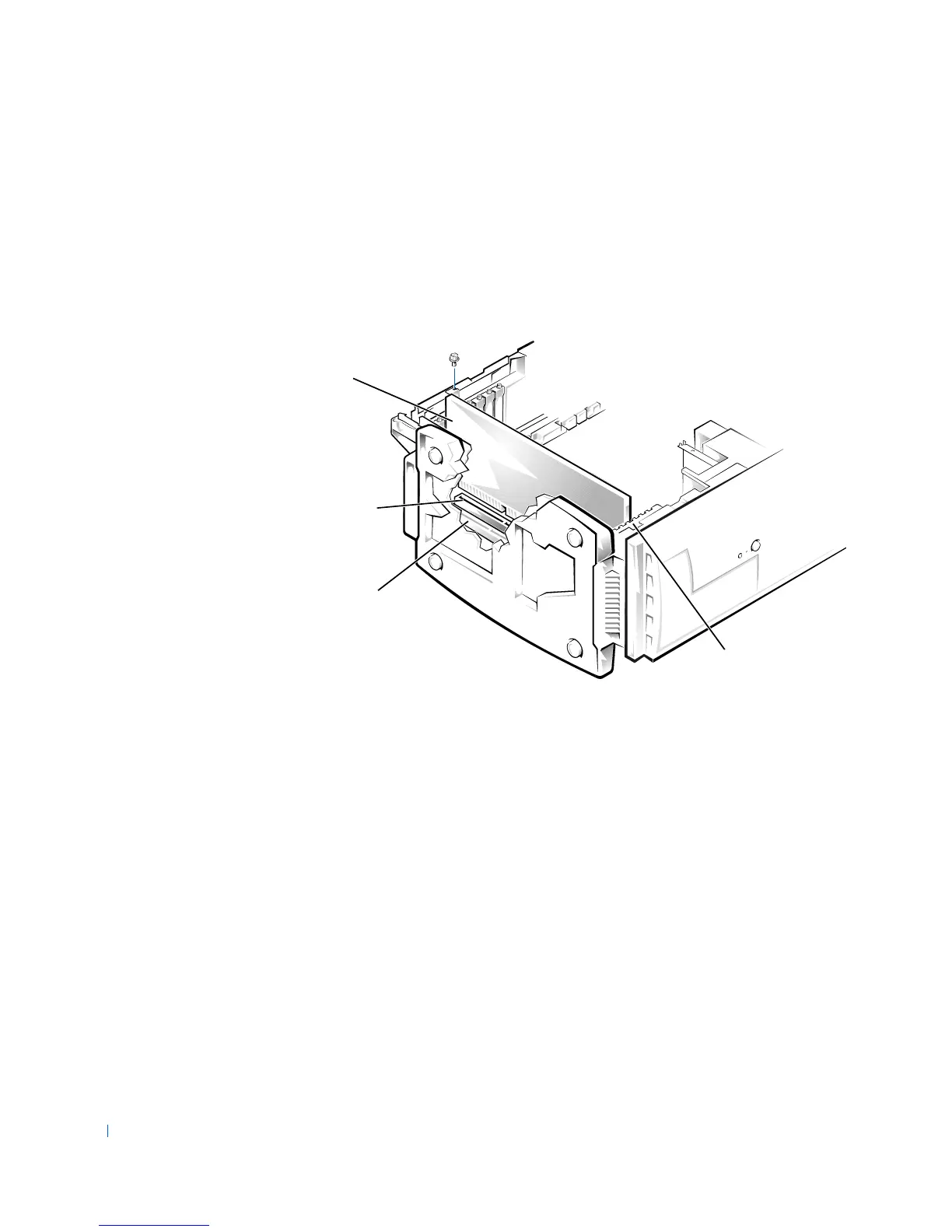
5 Align the cutout on the bottom of the card with the crossbar in the
system board connector. Gently rock the card into the connector until
it is fully seated.
If the card is full-length, insert the front end of the card into the
corresponding card guide at the front of the computer as you insert the
card into its connector.
card
card
connector
system board
connector
card guide










 To Next Page