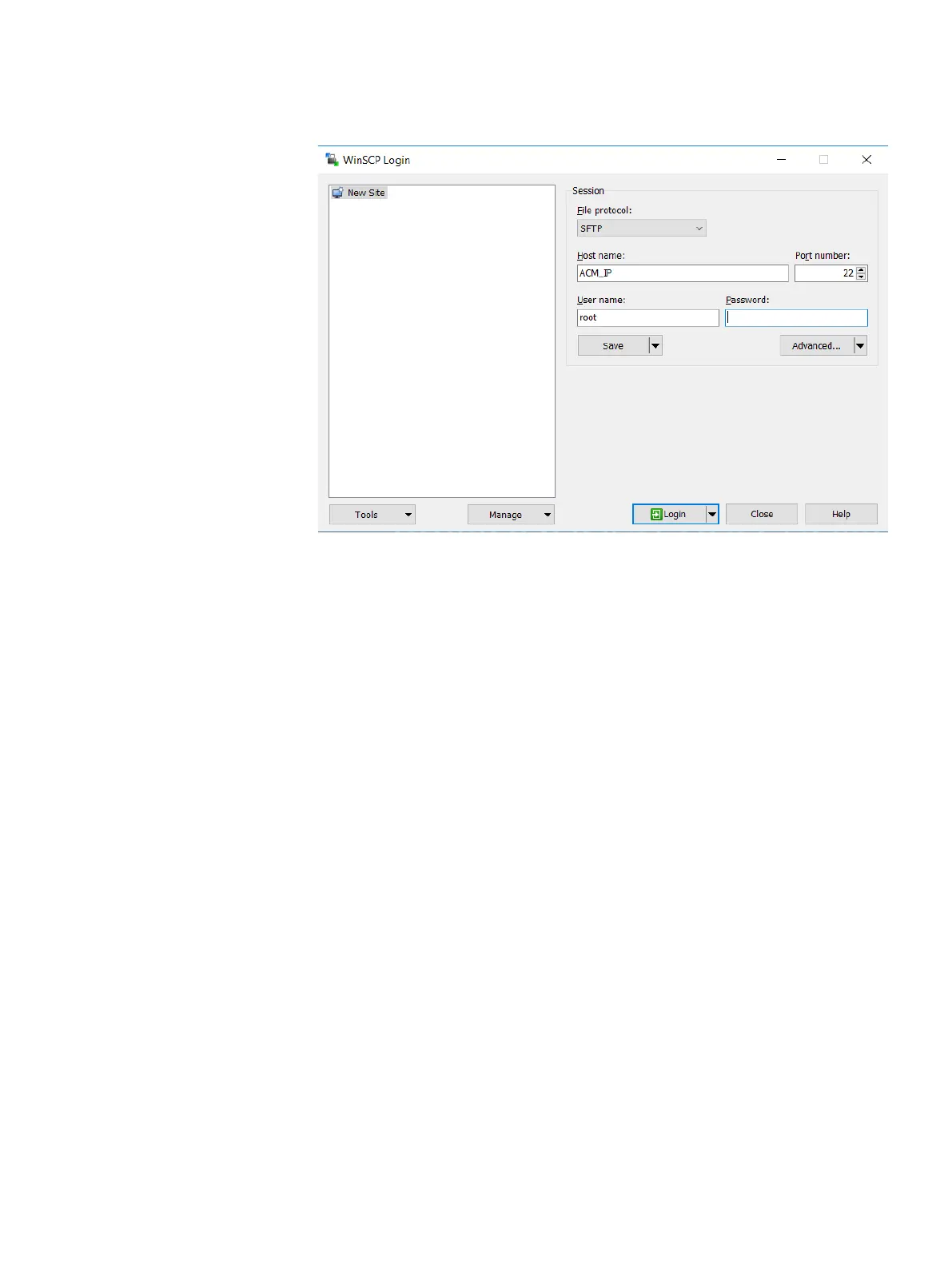
Figure 9 WinSCP session configuration window
3. Create a temporary folder /tmp/patch.
4. Copy the Idpa_pre_update_N.N.N.nnnnnn.tar.gz file to the /tmp/
patch directory.
5. Determine the DataProtection-ACM version by typing the following command:
rpm -qa | grep dataprotection
Ensure that the DataProtection-ACM version is earlier than
dataprotection-2.0.0-571095.x86_64
.
6. Change to the directory that contains the pre-installation patch file by typing
the following command:
cd /tmp/patch
7. Extract the contents of the .tar.gz file by typing the following command:
tar -xvf Idpa_pre_update_N.N.N.nnnnnn.tar.gz
The contents are extracted to a subdirectory named
Idpa_pre_update_N.N.N.nnnnnn.
8. Change directory to Idpa_pre_update_N.N.N.nnnnnn.tar.gz directory
by typing the following command:
cd /tmp/patch/Idpa_pre_update_N.N.N.nnnnnn/
9. Change permission of install.sh file by typing the following command:
chmod +x install.sh
10. Run the installation script file by typing the following command:
./install.sh
Messages be displayed on the screen during the installation process. The
following message might be displayed, which you can ignore:
“warning: file /usr/local/dataprotection/var/configmgr/
server_data/config/InfrastructureComponents_Template.xml:
Install the IDPA pre-installation patch on the DataProtection-ACM
15










 To Next Page