Installation overview
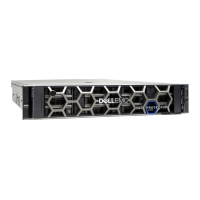
This guide is designed for personnel who install, configure, and maintain the Integrated
Data Protection Appliance DP4400. To use this hardware publication, you should be
familiar with digital storage equipment and cabling.
Before you begin
Gather the required materials and configure your network environment as specified in
Prepare the site and unpack the system on page 3.
Use the following sequence of actions as a guide to install the system.
Procedure
1. Install and secure the rails.
2. Install the system in the cabinet and attach the bezel.
3. Connect the system to the network.
4. Connect the power cables and power on.
Results
The system is ready for initial configuration. To continue setup, refer to the
Integrated
Data Protection Appliance DP4400 Getting Started Guide
. For additional help and
resources, review the information in Additional resources on page 16.
Hardware Installation Guide
2 Integrated Data Protection Appliance DP4400 2.4 Hardware Installation Guide









 To Next Page