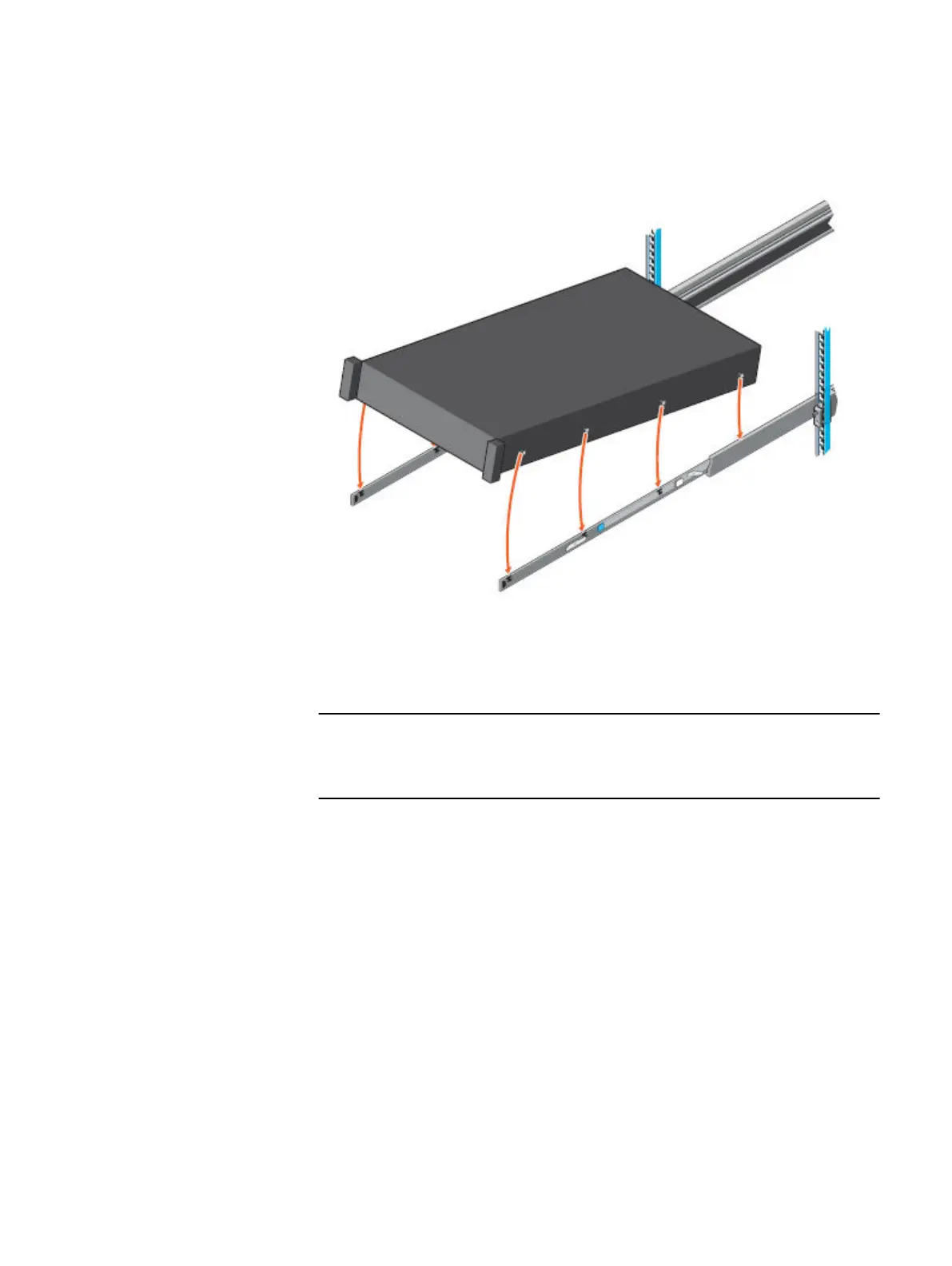
3. Rotate the system downward until all the rail standoffs are seated in the J-slots.
Figure 5 Install the system in the rails
4. Push the system inward until the lock levers click into place.
5. Pull the blue slide release lock tabs forward on both rails and slide the system
into the cabinet. The slam latches will engage to secure the system in the
cabinet.
Ensure that the inner rail slides completely into the middle rail. The middle rail
locks if the inner rail is not fully engaged.
Install the system in the cabinet 9










 To Next Page