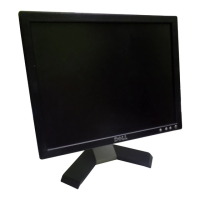
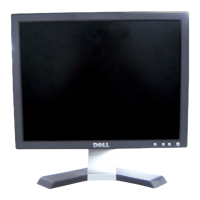
Dell E153FPc
22
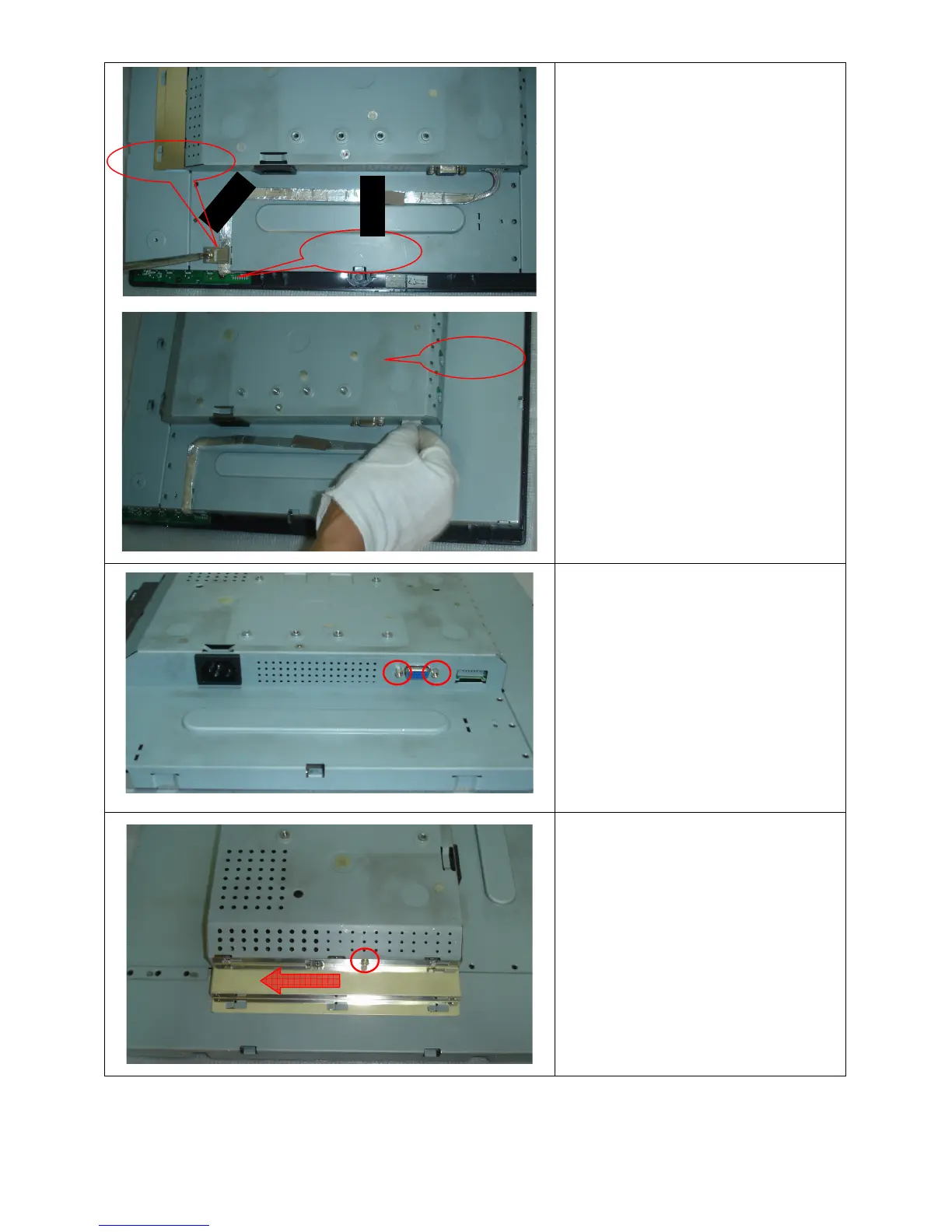
Remove bezel:
Disconnect the Key board connector and
remove the bezel
Note: When installing monitor fixes the
cable use Black Adhesive Tape and screw
the cable hook.
Remove the small shield:
Remove the screws by Torque B
Remove the screw and push the small
shield as the arrowhead direction by
Torque B or by manual
shield
Key board
Cable hook


 To Next Page