Using the Quick Settings Dialog | 5
Using the Quick Settings Dialog
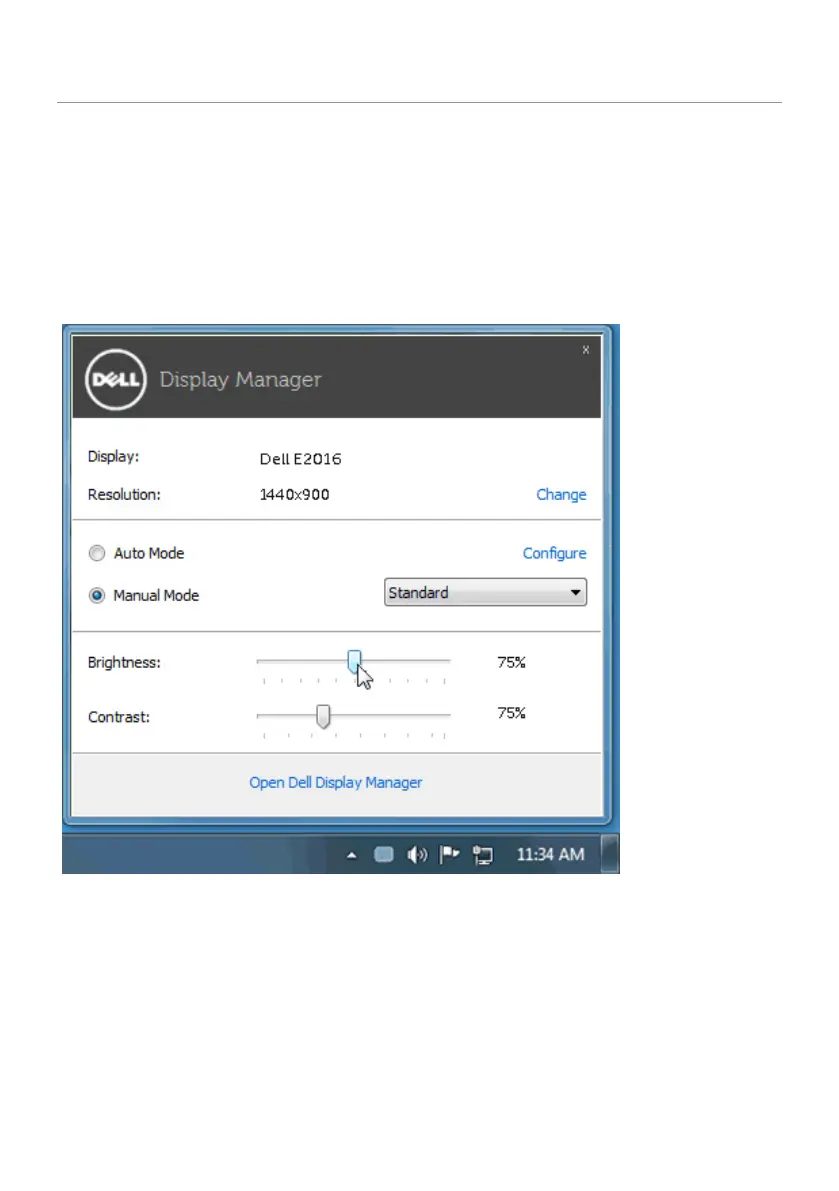
Clicking Dell Display Manager’s notification tray icon opens the Quick Settings
dialog box. When more than one supported Dell model is connected to the
system, a specific target monitor can be selected using the menu provided.
The Quick Settings dialog box allows convenient adjustment of the monitor’s
brightness and contrast levels. You can manually select a preset mode
or enable automatic selection of a preset mode depending on the active
application.
The Quick Settings dialog box also provides access to Dell display manager’s
advanced user interface, which is used to adjust basic functions, configure Auto
Mode, and access other features.



 To Next Page