6 | Setting Basic Display Functions
Setting Basic Display Functions
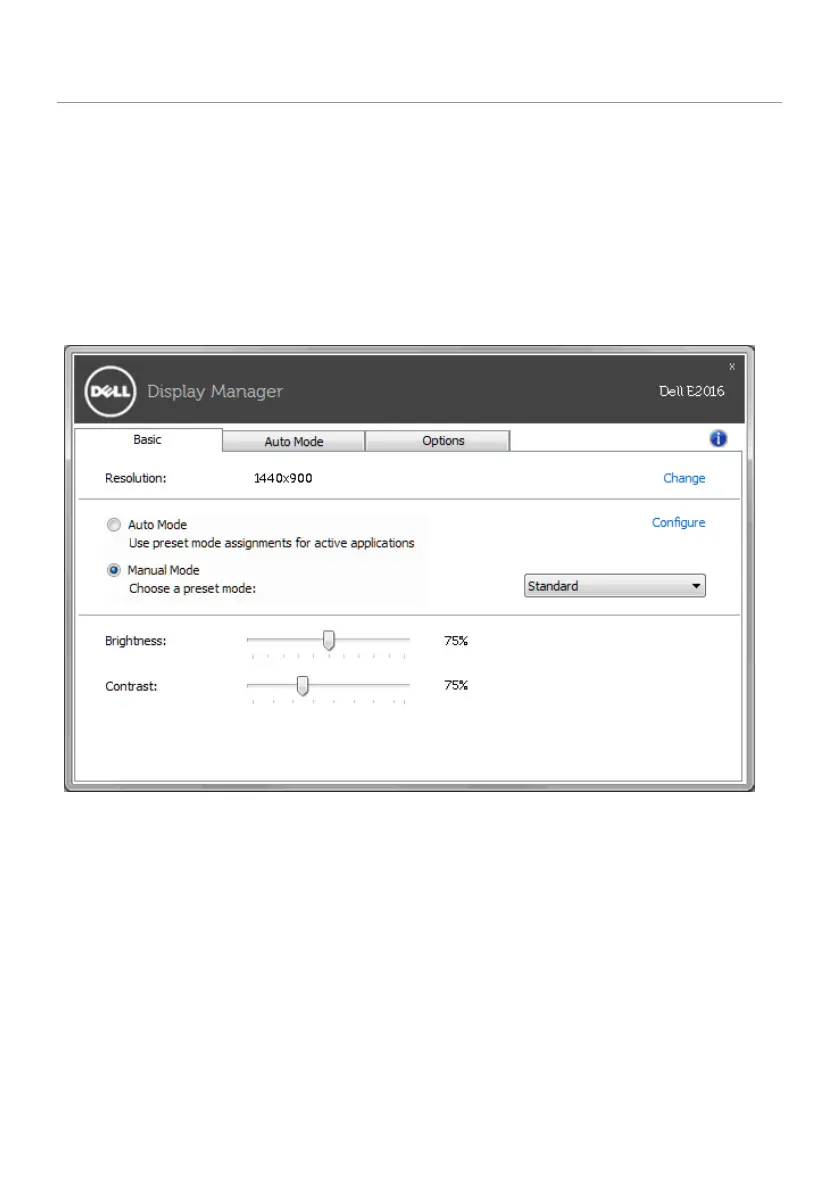
A preset mode for the selected monitor can be manually applied using the
menu on the Basic tab. Alternatively, Auto Mode can be enabled. Auto Mode
causes your preferred preset mode to be applied automatically when specific
applications are active. A message momentarily appears on the screen showing
the selected preset mode.
The selected monitor’s brightness and contrast can also be directly adjusted
from the Basic tab.



 To Next Page