Great user manuals database on UserManuals.info
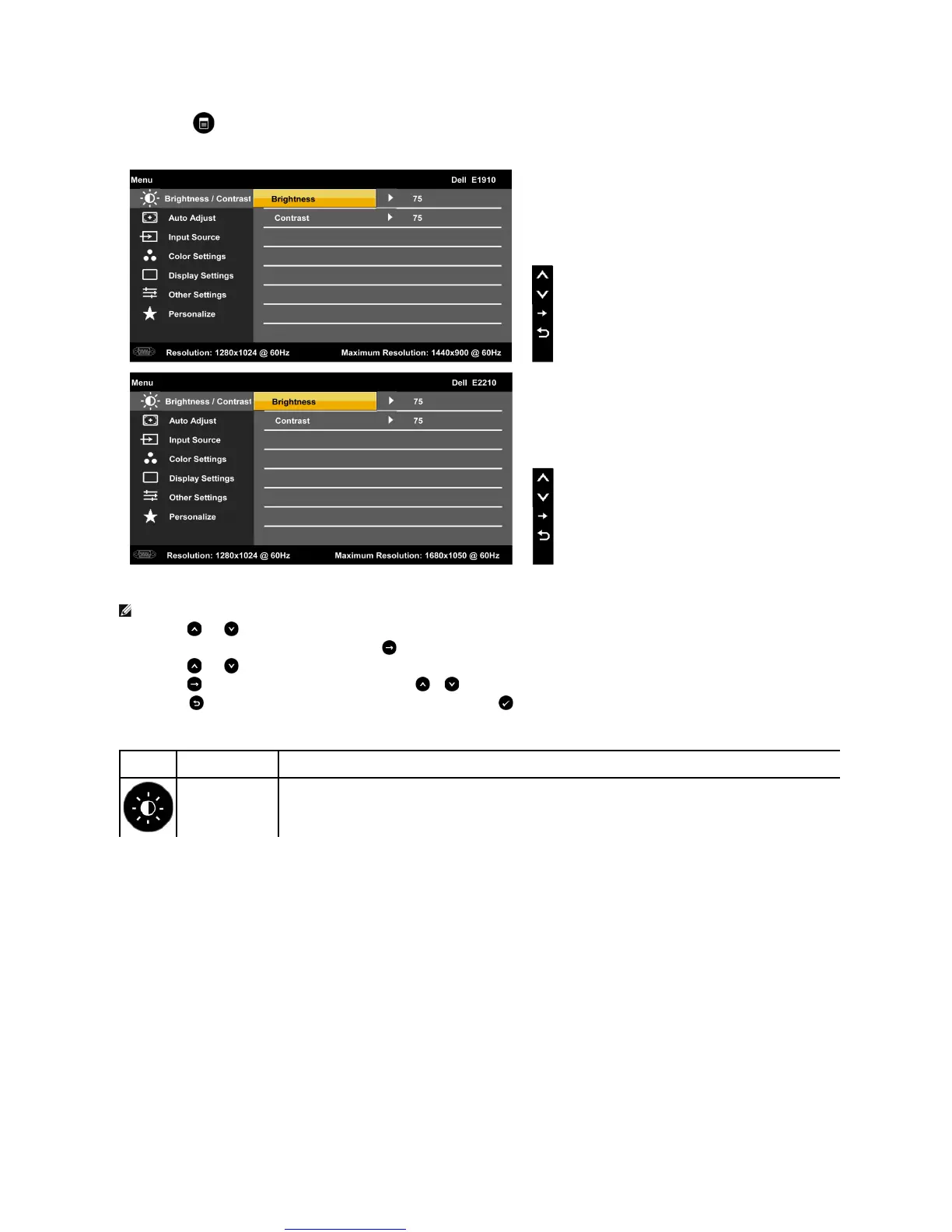
1. Press the button to open the OSD menu and display the main menu.
The table below provides a list of all the OSD menu options and their functions.
NOTE: Auto Adjust is only available when you are using the analog (VGA) connector.
Press the and buttons to toggle between options in the Menu. As you move from one icon to another, the option name is highlighted.
To select the highlighted item on the menu press the button again.
Press the and buttons to select the desired parameter.
Press the buttontoentertheslidebarandthenusethe or buttons, according to the indicators on the menu, to make your changes.
Select the to return to previous menu without accepting current settings or to accept and return to previous menu.
Use the Brightness and Contrast menu to adjust the Brightness/Contrast.



 To Next Page