26 Operating the Monitor
Operating the Monitor
Power On the Monitor
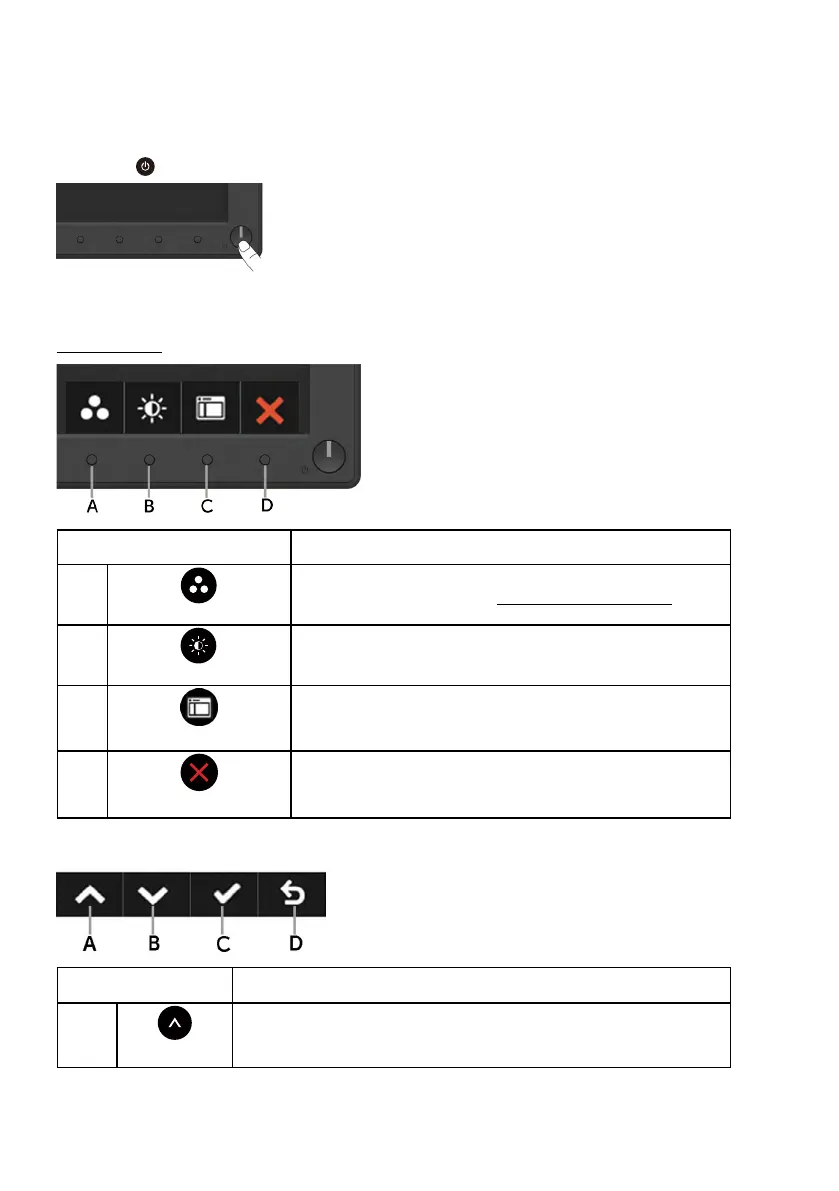
Press the button to turn on the monitor.
Using the Front-Panel Controls
Use the keys on the front of the monitor to adjust the image settings.
Front-Panel Keys Description
A
Preset modes
Use the Preset modes key to choose from a list of
preset color modes. See Using the OSD Menu.
B
Brightness /Contrast
Use the Brightness / Contrast key to direct access
to the "Brightness" and "Contrast" control menu.
C
Menu
Use the Menu key to open the on-screen display
(OSD).
D
Exit
Use the Exit key to exit on-screen display (OSD)
from menu and sub-menus.
Front-Panel Keys
Front-Panel Keys Description
A
Up
Use the Up key to adjust (increase ranges) items in the OSD
menu.



 To Next Page