13xxx | Operating the Console Trayxxx
Power Management System
The flat-panel monitor complies with the VESADPMS(version 11)power
management standard. The VESADPMSproposal provides four phases of power
saving modes by detecting horizontal or vertical sync signals.
The LEDindicator color will be amber when the monitor is in power-saving
mode.
Using the Front Panel
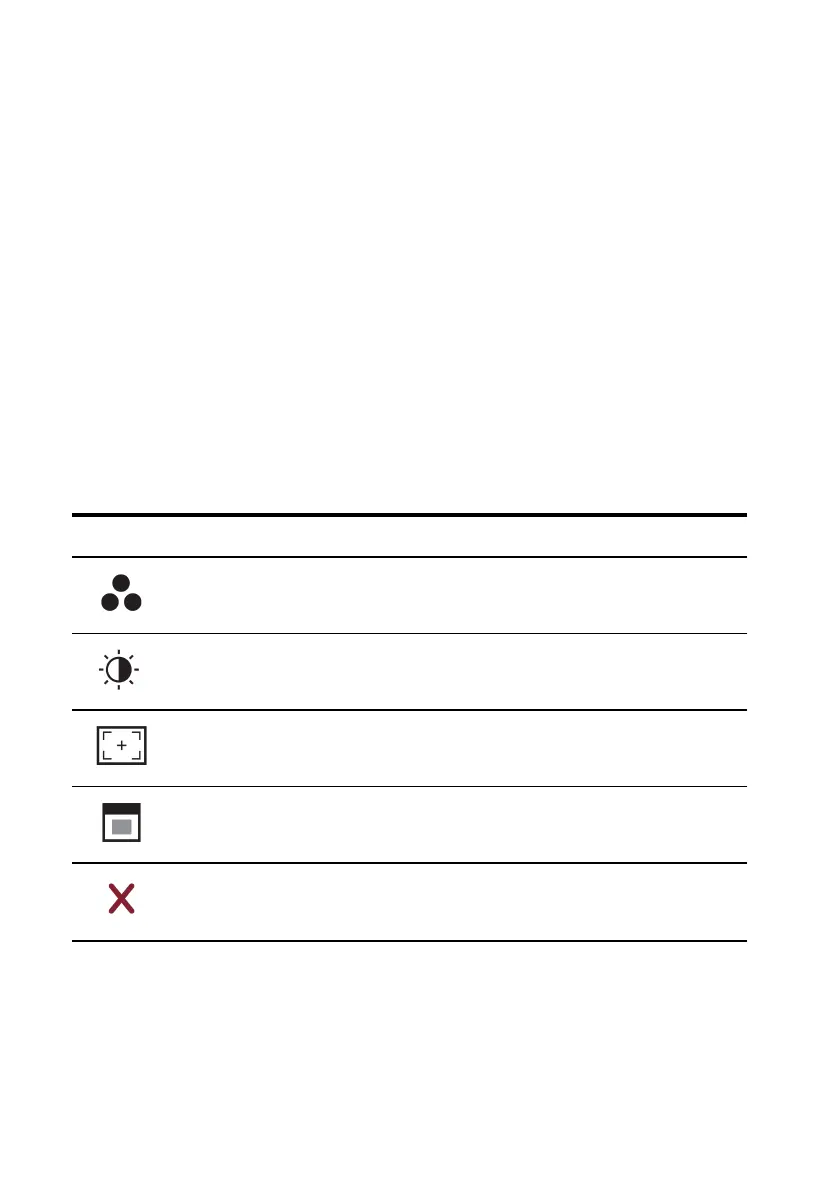
Use the icons on the front of the monitor to adjust the image settings.
Icon Mode Description
Preset Modes
Select
Touch this icon to select image modes on your monitor.
Brightness/Contrast
Touch this icon for direct access to the brightness and
contrast menu.
Auto Adjust Touch this icon to automatically adjust the monitor.
OSD Menu Touch this icon to open the On-Screen Display (OSD).
Exit Touch this icon to exit the OSD Menu.
Table 3.4: Front Panel Controls Descriptons



 To Next Page