Operating the Console Trayxxx | xxx14
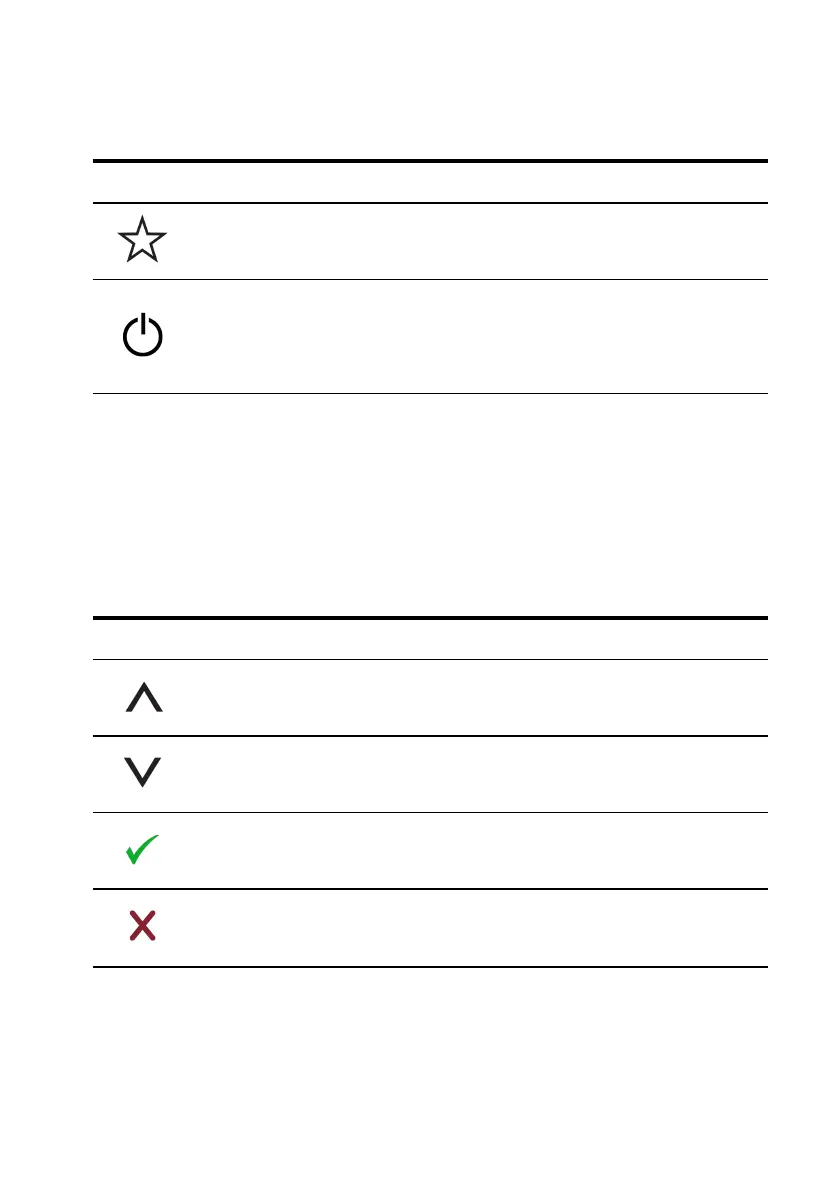
Icon Mode Description
Personalize
Touch this icon to customize the monitor with your
personal settings.
Power
Touch this icon to turn the monitor's power off and on.
When the LED is blue, the monitor is on and fully
functional. When the LED is amber, the monitor is in
power-save mode.
Using the OSDMenu
The flat-panel monitor features an On-Screen Display (OSD). To access the
OSD's main menu, press the OSDMenu icon on the front panel of the monitor.
Use the function icons to scroll through the menu and make changes to the
selected menu items.
Icon Function Description
Up arrow Scroll up in the menu
Down
arrow
Scroll down in the menu
Checkmark Accept change
Exit Exit the OSD menu.
Table 3.5: Function Icon Descriptions



 To Next Page