4xxx | Installationxxx
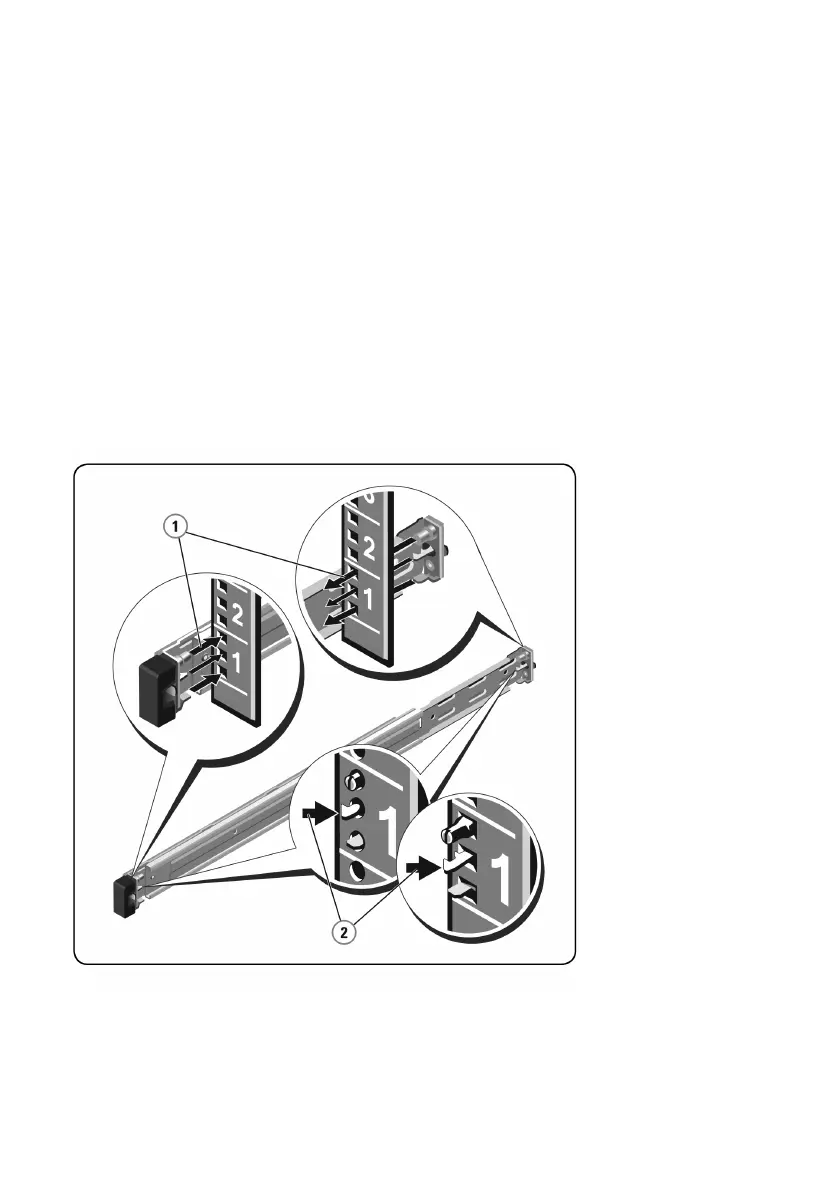
To install tool-less rails:
1 Position the left and right rail end pieces labeled FRONT facing inward, and
orient each end piece to seat in the holes on the front side of the vertical
rack flanges.
2 Align each end piece in the bottom and top holes of the desired U spaces
until the latch clicks into place.
3 Engage the back end of the rail until it fully seats on the vertical rack flange
and the latch clicks into place.
Figure 2.1. Installing Tool-less Rails



 To Next Page