26 │ Setting up the monitor
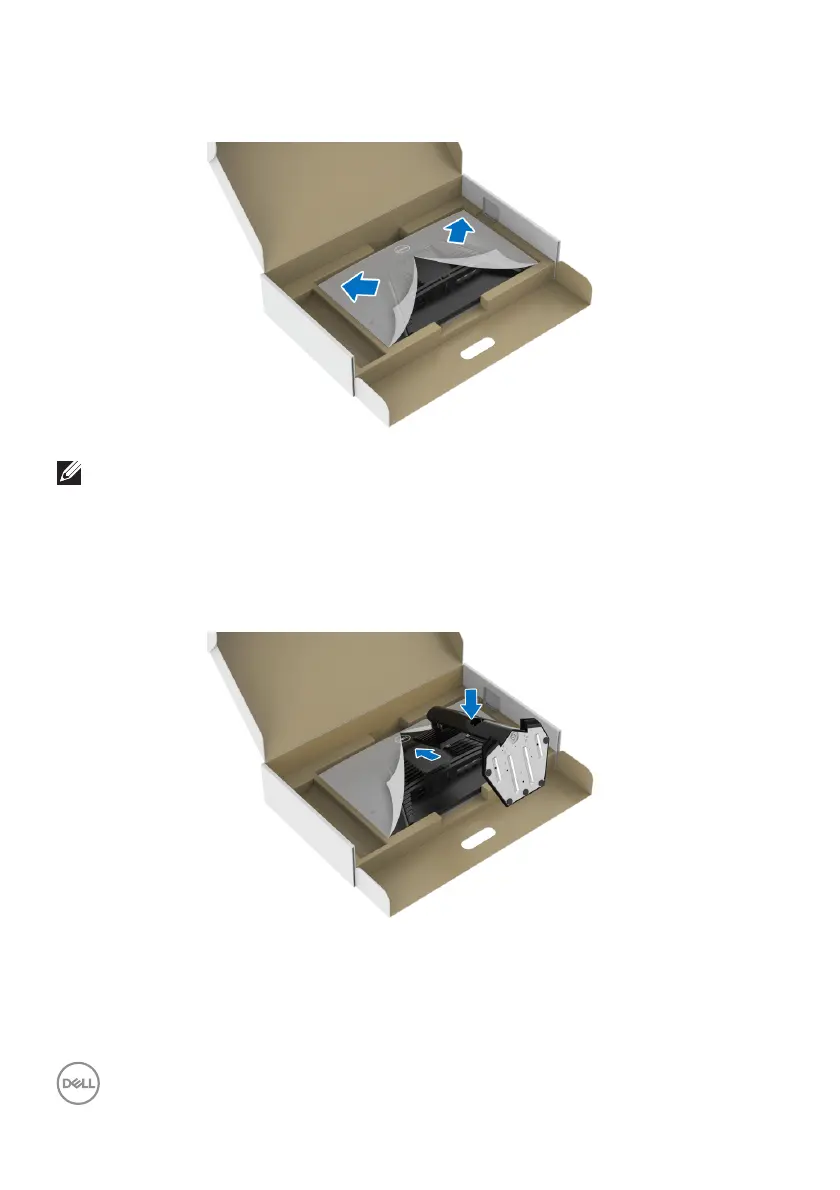
5. Open the protective cover on the monitor to access the VESA slot on the
monitor.
NOTE: Before attaching the stand assembly to the display, ensure that
the front plate flap is opened to allow space for assembly.
6. Inst
all the stand assembly on the display.
a. Align and slide the tabs on the stand riser into the VESA slot on the display
back cover.
b. Press the stand down until it snaps into place.



 To Next Page