Troub l eshootin g │ 53
Built-in diagnostics
Your monitor has a built-in diagnostic tool that helps you determine if the screen
abnormality you are experiencing is an inherent problem with your monitor, or with
your computer and video card.
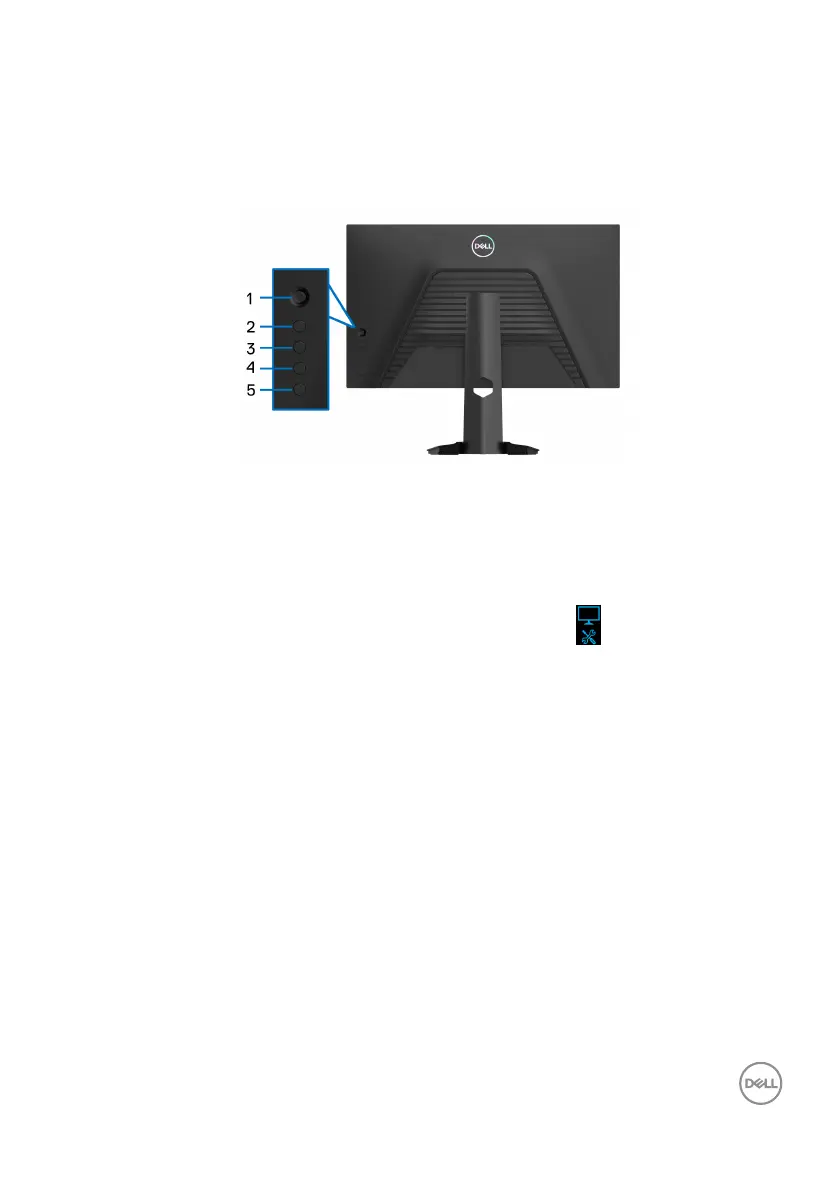
To run the built-in diagnostics:
1. Ensur
e that the screen is clean (no dust particles on the surface of the
screen).
2. Pr
ess and hold Button 5 for four seconds until a pop menu appears.
3. Using
the joystick control, highlight the Diagnostics option and press the
joystick button to start the diagnostics. A gray test pattern appears at the
beg
inning of the diagnostic program.
4. Obse
rve if the screen has any defects or abnormalities.
5. Mo
ve the joystick to the right until a red screen is displayed.
6. Obse
rve if the screen has any defects or abnormalities.
7. R
epeat steps 5 and 6 until the screen displays green, blue, black, and white
colors. Note any abnormalities or defects.
The test is complete when a text screen is displayed. To exit, move the joystick to
the right
again.
If you do not detect any screen abnormalities upon using the built-in diagnostic tool,
th
e monitor is functioning properly. Check the video card and computer.



 To Next Page