Operating the monitor │ 35
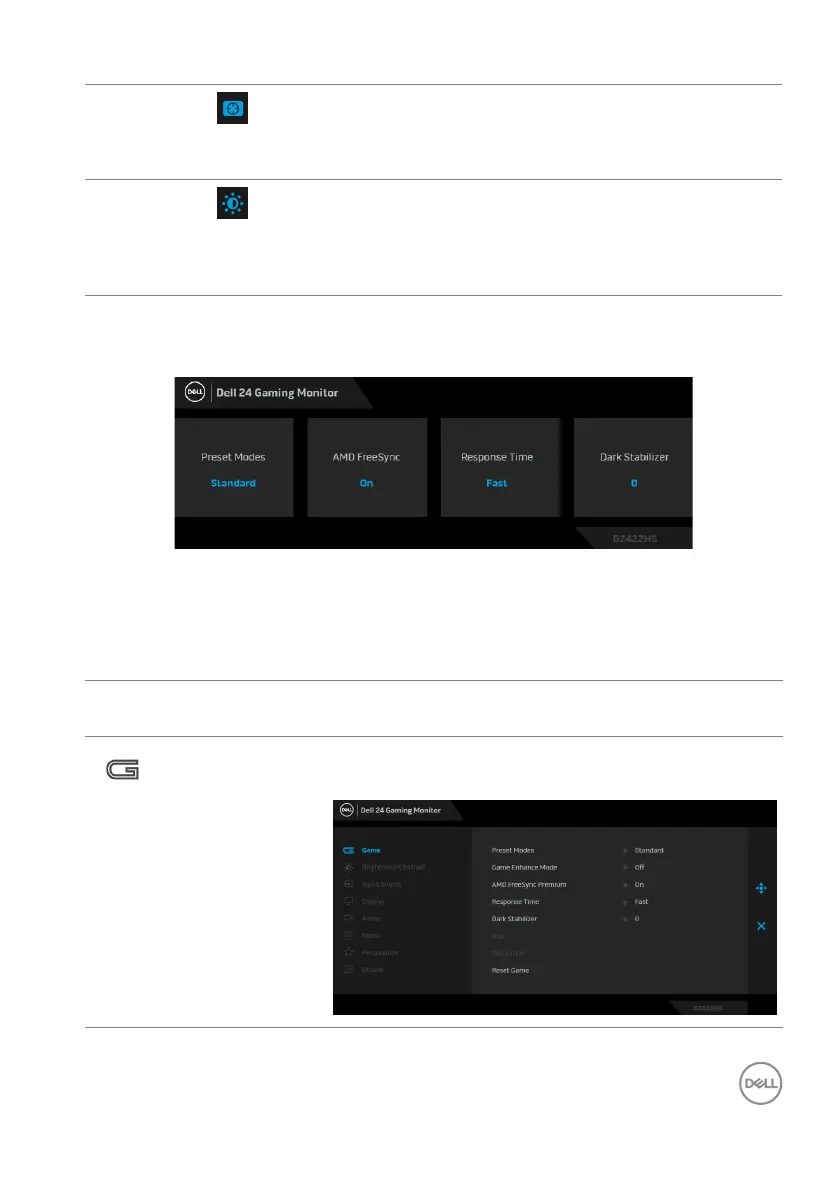
When you press any of these buttons (excluding the joystick button), the OSD
Status Bar appears to let you know the current settings of some OSD functions.
Using the On-Screen Display (OSD) menu
Accessing the menu system
4
Shortcut key/
Dark Stabilizer
To launch the Dar
k Stabilizer menu.
5
Shortcut key/
Brightness/
Contrast
To directly access the Brig
htness/Contrast
adjustment sliders.
Icon Menu and
Submenus
Description
Game Use this menu to personalize your visual gameplay
experience.



 To Next Page