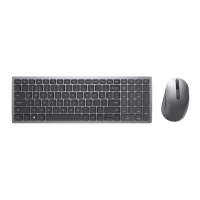
Features
│
7
NOTE: Caps/Num lock LED Behavior:
Both Lock LED will be “On” for five seconds once pressed and then goes “Off” even
if user continues to type under current state. LED will only be “On” for 5 seconds
again if user presses the Num Lock/ Caps Lock keys again. The lock state will
also be reflected in the OSD (On Screen Display) if the Dell Peripheral Manager is
installed on user’s computer.



 To Next Page