NOTE: It is recommended that you turn on and shut down your computer at least once before
you install any cards or connect the computer to a docking device or other external device,
such as a printer.
Specifications
NOTE: Offerings may vary by region. The following specifications are only those required by law
to ship with your computer. For more information regarding the configuration of your computer,
click Start →Help and Support and select the option to view information about your computer.
5
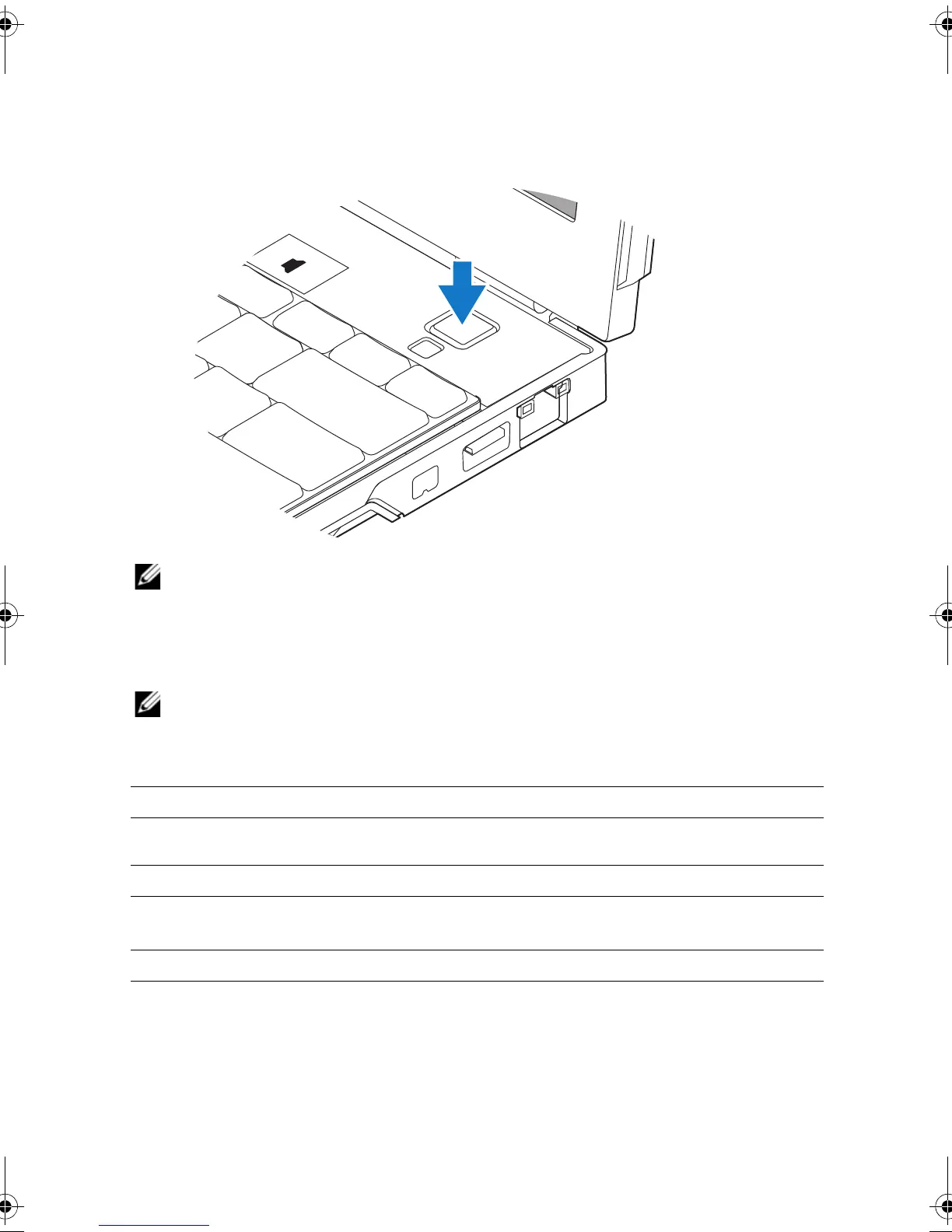
Open the computer display and press the power button to turn on the computer.
System Information
Chipset Intel
®
SFF chipset
Processor
Processor Intel Core™2 Duo ULV processor
Video
Video type integrated on the system board, hardware accelerated
Data bus integrated video
Video controller Intel Extreme Graphics
Video memory up to 256 MB (shared)
16PXGam0.fm Page 4 Tuesday, October 13, 2009 2:48 PM

















 To Next Page