20
Latitude E6500, E6400 Reviewer’s Guide
*See important information at end of document
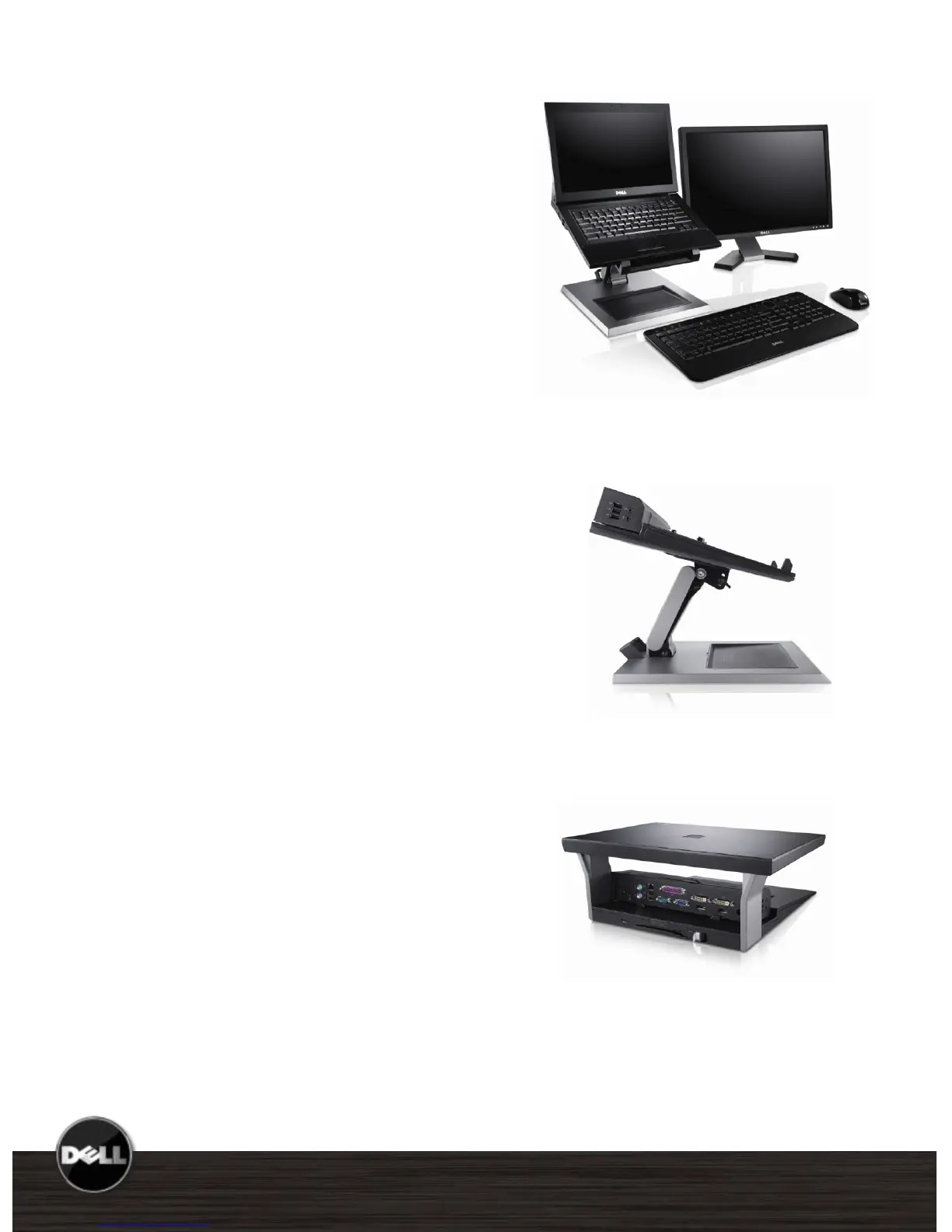
E-View Laptop Stand
This stand provides an innovative way to use
the notebook LCD versus an external
monitor at the end users desk. E-Family
notebook stand is adjustable and enables the
user to elevate the LCD panel to a
comfortable position. It also requires
significantly less desk space than a dock and
external monitor.
E-Monitor Stand
The Basic Monitor Stand is an accessory of the
E-Port and E-Port Plus that enable use of any
LCD flat panel monitors and CRT monitors.
E-View with dual monitor
desktop configuration
E-View side view
E-Monitor Stand back view















 To Next Page