4
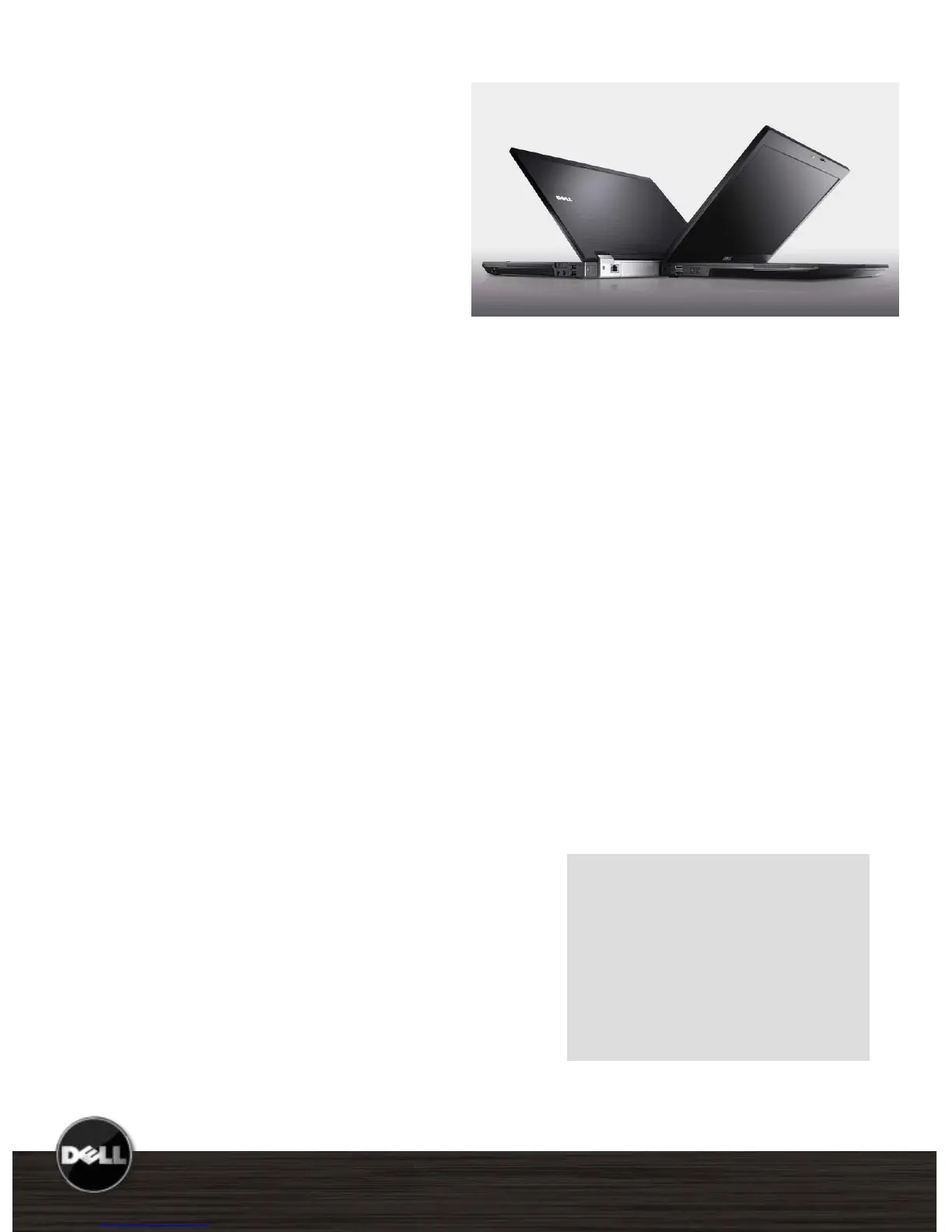
Latitude E6500, E6400 Reviewer’s Guide
*See important information at end of document
Latitude E6400 and E6500 notebooks deliver
powerful enterprise-ready features. The best
of everything you need in a notebook for
ultimate user and IT productivity empowered
by leading-edge IT simplification technologies.
Latitude is designed for ultimate productivity
and low total cost of ownership.
Key Features:
Redesigned for optimum performance at
every level. Thin and light with robust
hinges and latches for improved durability.
Plus a new keyboard designed for
accuracy, durability and comfort and also
available with a backlit option.
All-day battery life that works as hard as
you do— the E6400 can get up to 19
hours* with a 9-cell battery and optional
battery slice.
Anytime, Anywhere wireless connectivity
1
supports all current wireless technology
like Wi-Fi, mobile broadband, Bluetooth
®
2.1, and is built for emerging technologies
such as WiMAX™, High Performance
Wireless-N.
Seamless transitions from on-the-move to
desktop with new Latitude family docking
solutions.
Featuring Intel
®
vPro™ technology for
enhanced manageability and performance.
Dell ControlPoint creates an awesome
user experience by simplifying your Wi-Fi
connections. Make adjustments to
management profiles without taxing your
system memory.
Latitude E-Family Mainstream Reviewer’s Guide
Target Market
CIO, IT Mangers, IT Generalists
and Specialists, Small Business
owners and End Users.
Primary Usage
Desktop Replacement
Mobile/Remote Office
1
Subject to wireless provider’s coverage area. Mobile broadband subscription required, additional charges apply.















 To Next Page