8
Latitude E6500, E6400 Reviewer’s Guide
*See important information at end of document
Connectivity
Wi-Fi
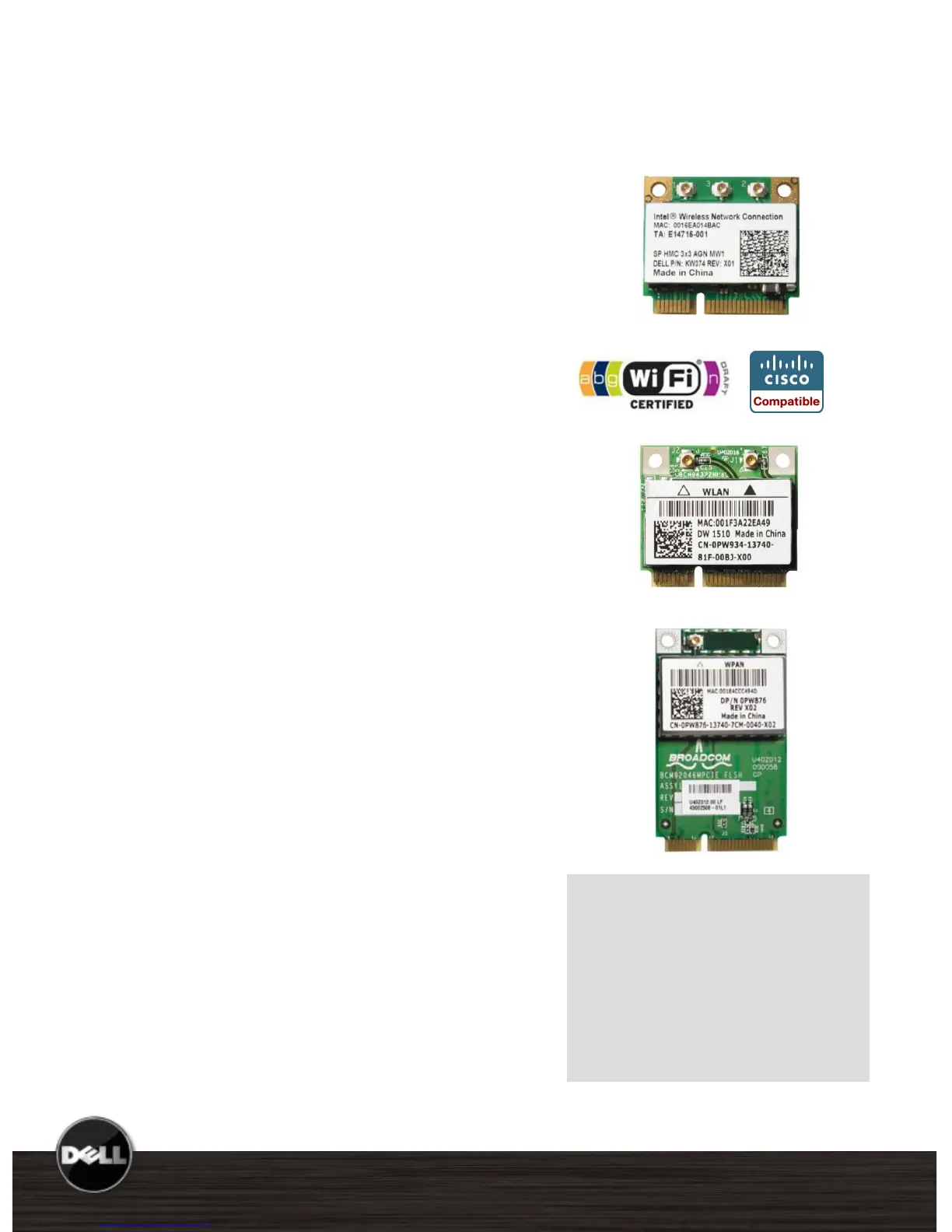
Intel Centrino Mobile Technology
Latitude E6500/E6400 offer Intel
®
Centrino
®
Mobile technology featuring the Intel WiFi
Link 5100 or 5300 Draft 802.11n Wi-Fi cards,
Intel Core™ Processor and Intel 965PM or
GM chipsets. Intel Centrino Mobile
Technology delivers excellent wireless
performance while enabling great notebook
battery life.
Dell Wireless LAN
Latitude E6500/E6400 feature a choice of Dell
Wireless Wi-Fi solutions with the option of
either the Dell Wireless 1397 802.11g or the
Dell Wireless 1510 Draft 802.11n Wi-Fi cards.
Personal Area Networks enable connection to
devices and peripherals such as keyboards,
mice, printers, scanners and wireless docking
stations within a PAN.
Dell Wireless 370 Bluetooth Wireless
The Dell 370 card features the latest
Bluetooth version 2.1 + EDR (Windows
®
XP
OS) technology with a throughput of 3Mbps*.
The Dell 370 offers firmware upgradeability to
the forthcoming Bluetooth 2.1 update for
Windows Vista
®
OS.
Compared to the previous Dell 360/Bluetooth
2.0 combination, the new Dell Bluetooth 2.1
offerings can provide longer battery life and
easier pairing for Bluetooth 2.1-capable
devices.
Allows cable-free computing with Bluetooth
enabled devices such as keyboards, mice,
PDAs, headsets & mobile phones.
Dell’s Wi-Fi and Bluetooth
solutions are designed to work
together with minimal
interference. The optional Dell
Wireless 370 Bluetooth module
incorporates its own dedicated
antenna and radio to help
achieve optimal performance.















 To Next Page