20 Using Your Projector
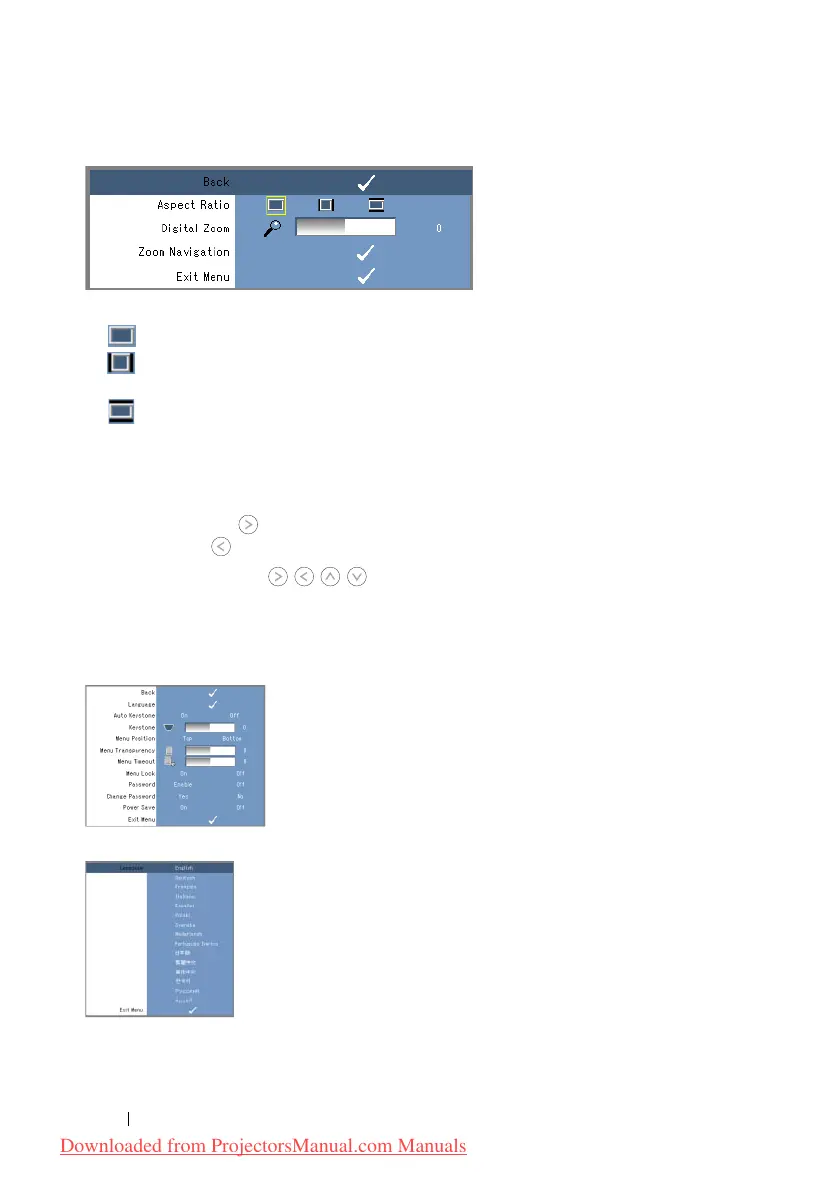
Display menu provides the following options:
A
SPECT RATIO—Alows you to set the aspect ratio.
• 4:3 - The input source scales to fit the screen.
• Original - The input source scales to fit the screen while keeping the aspect ratio
of the input source.
• Wide - The input source scales to fit the width of the screen.
Use Wide or 4:3 if you are using one of the following:
- Computer resolution greater than SVGA
- Component cable (720p/1080i/1080p)
D
IGITAL ZOOM—Press to digitally magnify an image up to 4 times on the projection
screen and press to reduce the zoomed image.
Z
OOM NAVIGATION—Press to navigate projection screen.
SET UP
It includes Language, Auto Keystone, Keystone, Menu Position, Menu Transparency,
Menu Timeout, Menu Lock, Password and Change Password settings.
L
ANGUAGE—Allows you to set the language for the OSD.
A
UTO KEYSTONE—Auto adjusts the image distortion by tilting the projector.
Downloaded from ProjectorsManual.com Manuals



 To Next Page