22 Using Your Projector
2
If you have entered incorrect password, you will be given another 2 chances. After the
three invalid attempts, the projector will automatically turn off.
NOTE: If you forget your password, contact DELL™ or qualified service personnel.
3
To cancel the password function, select
Off
and enter the password to disable the function.
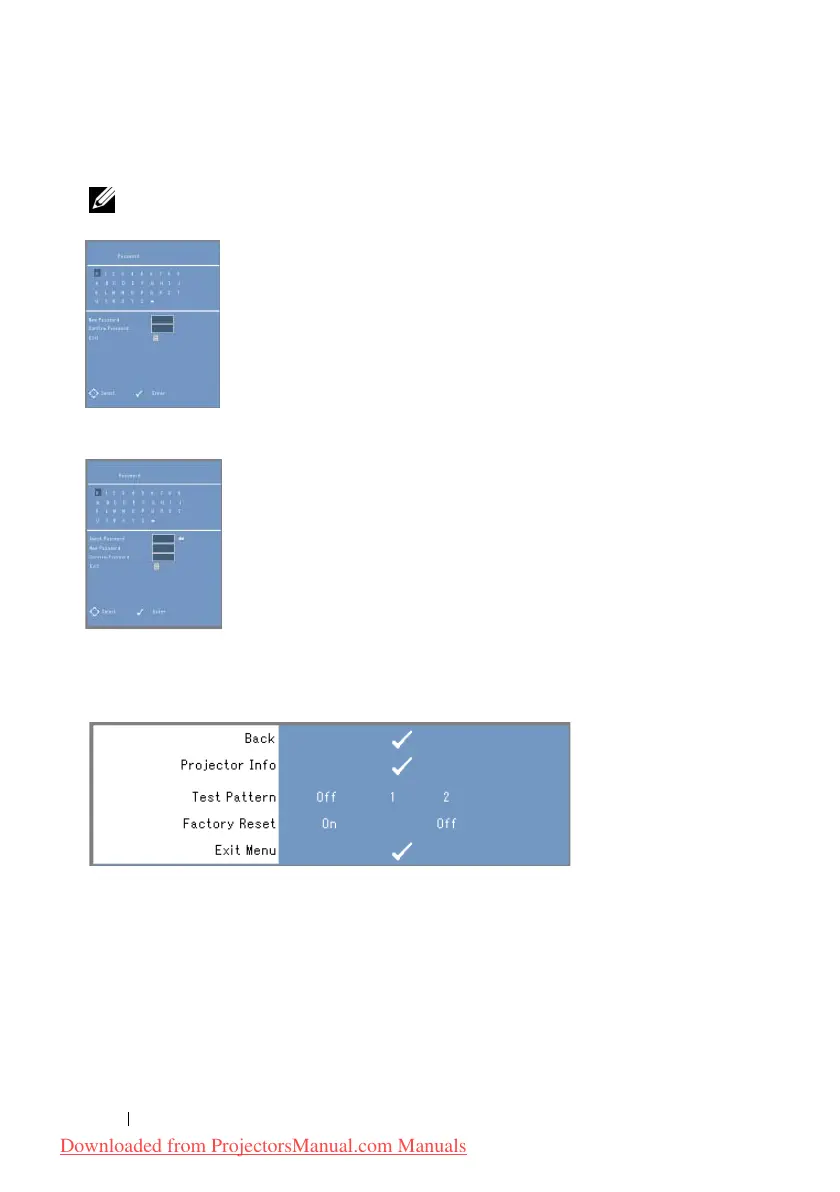
CHANGE PASSWORD. Key in the original password, then enter the new password and
confirm the new password again.
P
OWER SAVE. Select On to enable the function. The projector will automatically turn
off after 5 minutes.
OTHERS
PROJECTOR INFO—Displays the projector model name, the present input source and
projector series number (PPID#).
T
EST PATTERN—Select Off to disable the function. Select 1 or 2 to activate the built-in
Test Pattern for self-testing on focus and resolution.
F
ACTORY RESET—Select On to reset the projector to its factory default settings. Reset
items include both computer sources and video source settings.
Downloaded from ProjectorsManual.com Manuals



 To Next Page