2
3
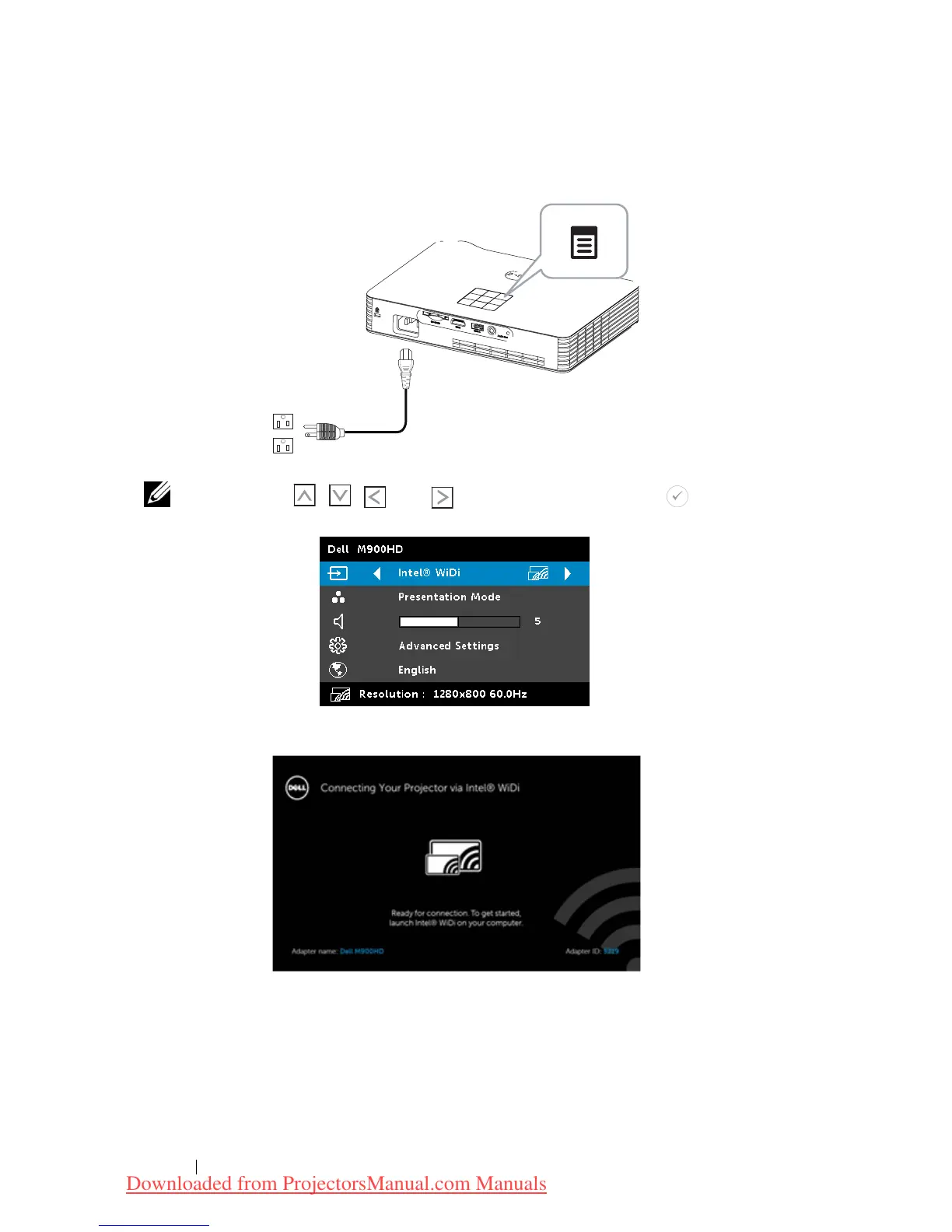
Press the
Menu
button on your projector control panel or remote
control.
NOTE: Use , , and buttons to navigate and to select.
Select the input source as
Intel
®
WiDi
.
The
Intel
®
WiDi Guide Screen
shown below appears:
Take note of the
ADAPTER NAME
and
PIN CODE
. You will need this
information to log in later.
Using Your Projector 46
4
Downloaded from ProjectorsManual.com Manuals



 To Next Page