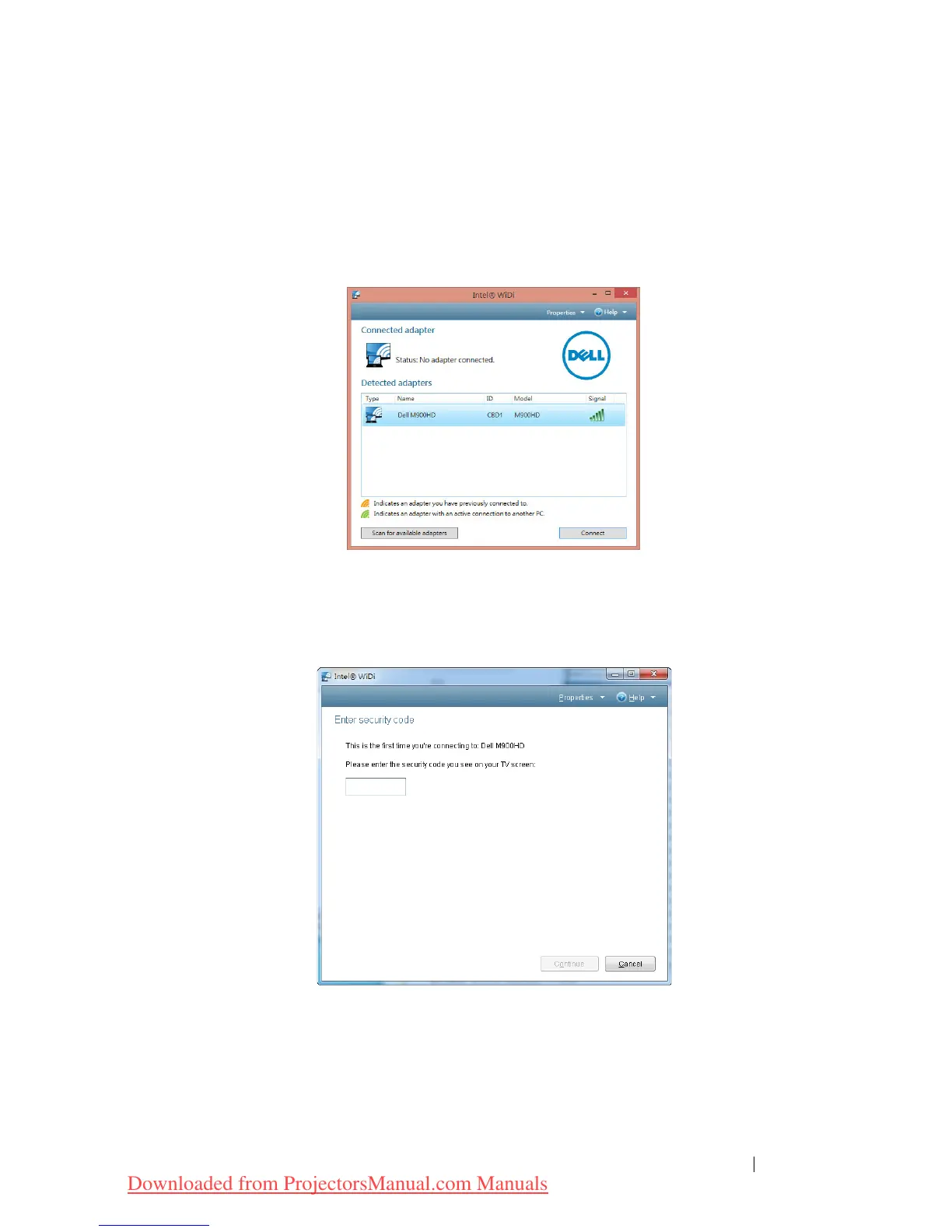
Launch the Intel
®
WiDi on Your Computer
5
Type WiDi in your Windows search bar. If your computer has built-in
Intel
®
WiDi, you will see the “Intel
®
WiDi” application in your search
results.
6 Connect your computer to Dell M900HD.
Login
Login with the PIN Code provided in Step 4 of Intel
®
Wireless Display (WiDi)
Installation, then click OK.
Using Your Projector 47
Downloaded from ProjectorsManual.com Manuals



 To Next Page