Setting up your mouse │ 7
Setting up your mouse
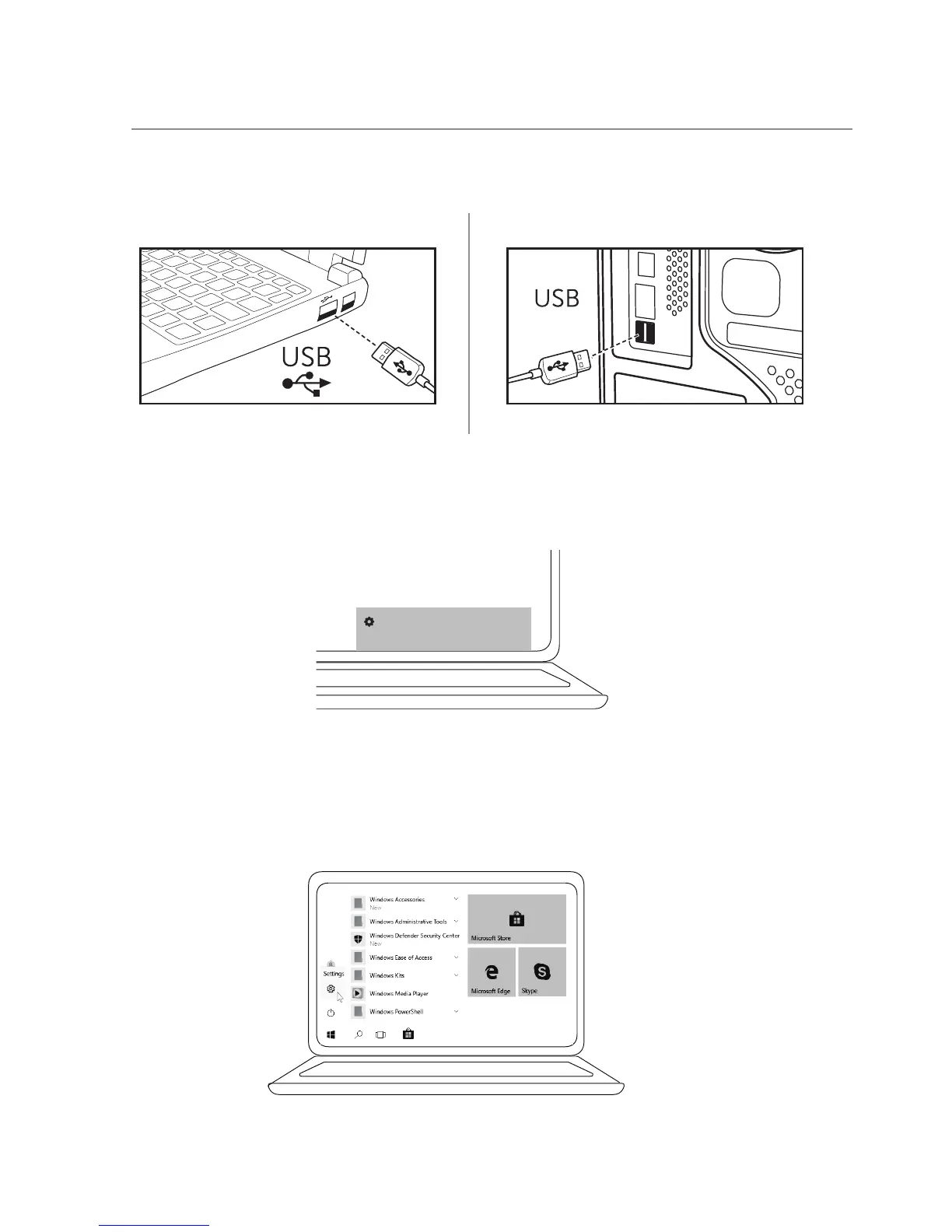
2 Install ngerprint driver through Windows Update.
1 Connect the mouse to your computer.
Setting up a device
We’re setting up ‘USB2.0 Hub’.
3 Setup Windows password.3
[Settings] -> [Accounts] -> [Sign-in options] -> [Password]



 To Next Page