51 | Enabling Security Services in SonicOS
Enabling Security Services in SonicOS
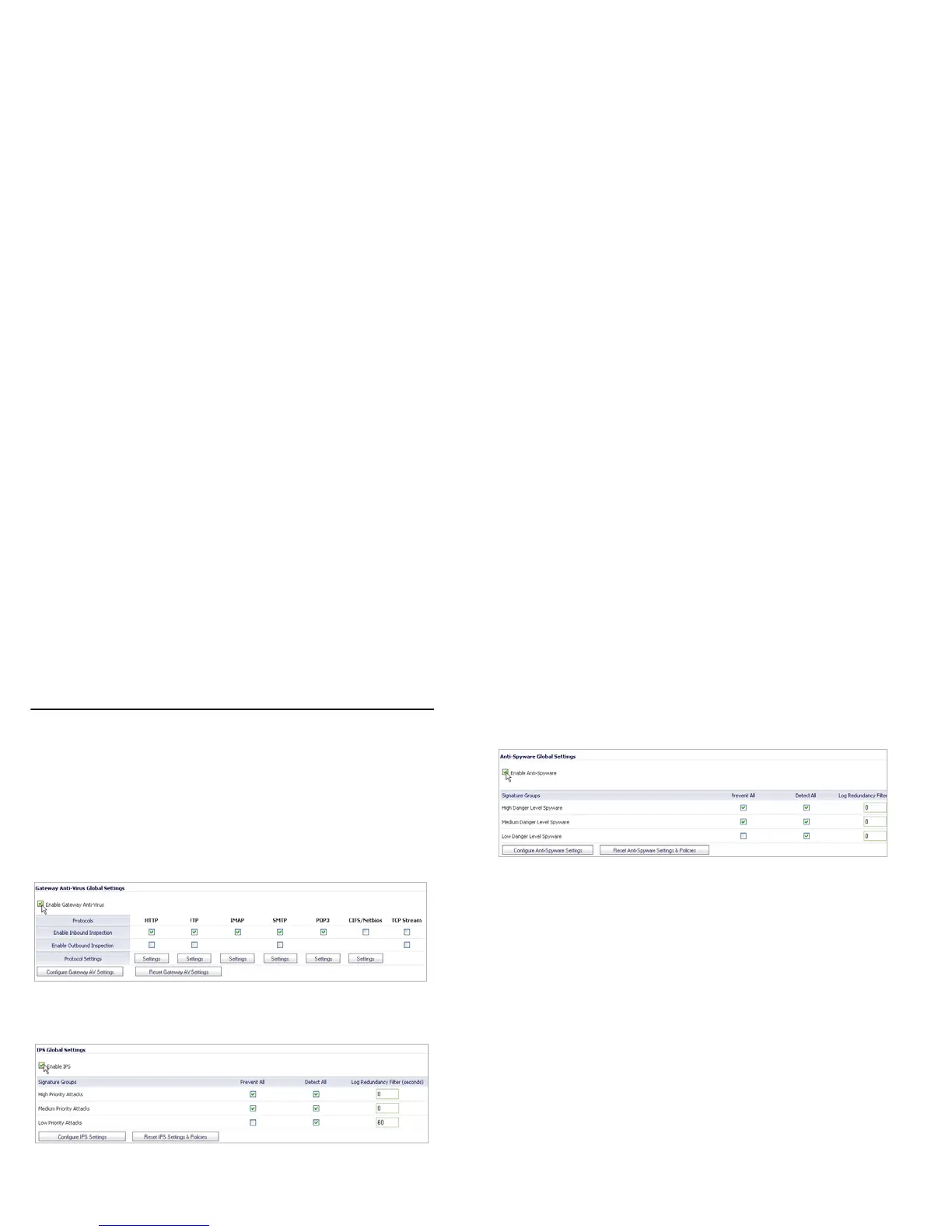
You must enable each security service individually in the
SonicOS user interface. See the following procedures to enable
and configure the following three basic security services:
Gateway Anti-Virus
Intrusion Prevention
Anti-Spyware
For more information on configuring your security services,
refer to the SonicOS Administrator’s Guide.



 To Next Page