Troubleshooting Diagnostic Tools | 54
Using Packet Capture
Packet Capture allows you to capture and examine the
contents of individual data packets that traverse your Dell
SonicWALL firewall appliance.
The captured packets contain both data and addressing
information. The System > Packet Capture page provides a
way to configure the capture criteria, display settings and file
export settings, and displays the captured packets.
The Packet Capture screen has buttons for starting and
stopping a packet capture. If you simply click Start without any
configuration, the Dell SonicWALL appliance will capture all
packets except those for internal communication, and will stop
when the buffer is full or when you click Stop.
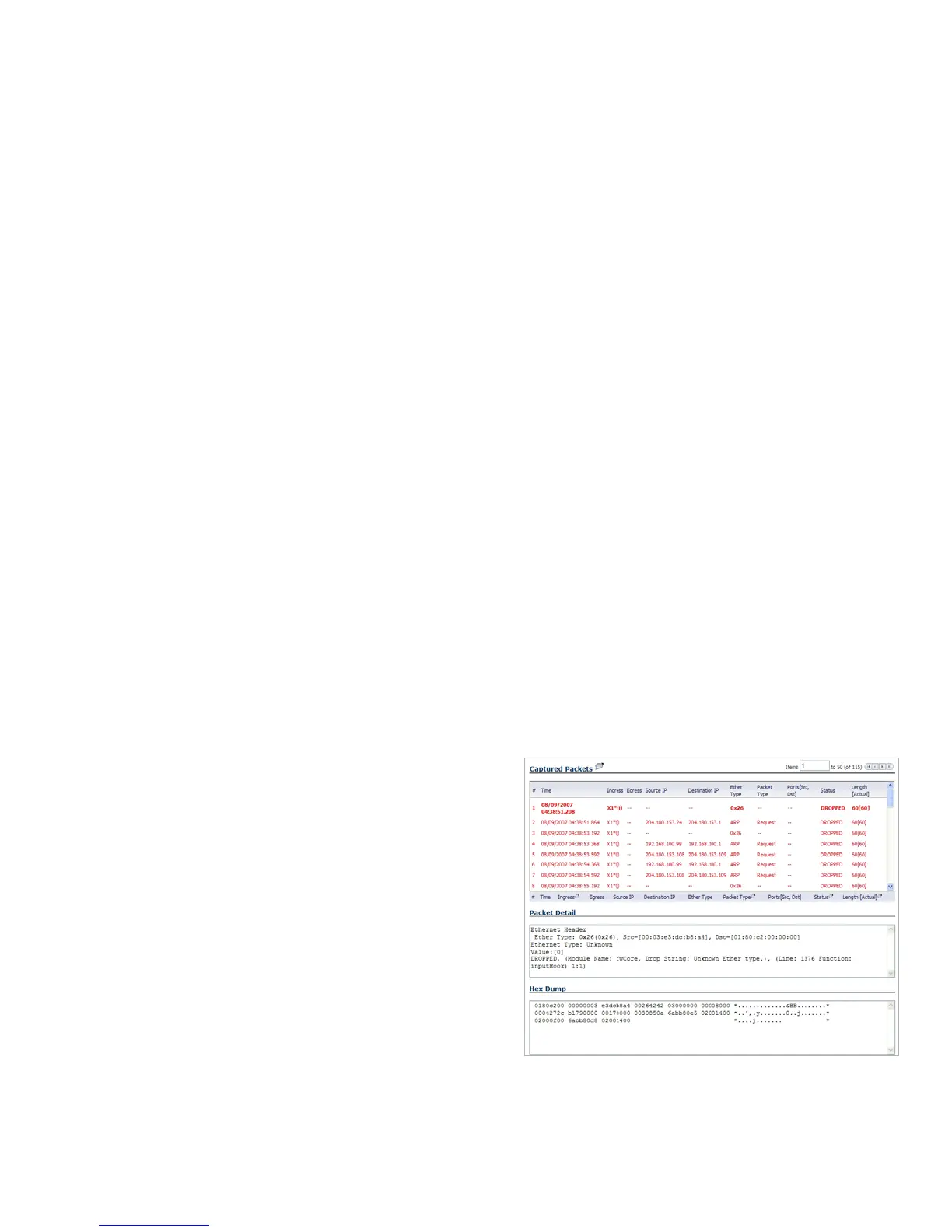
The SonicOS user interface provides three windows to display
different views of the captured packets.
Click the Configure button to customize the settings for the
capture. Settings are available in the five main areas:
• General— number of bytes to capture, wrap capture buffer
• Capture Filter— interfaces, packet types, source/destination
• Display Filter— interfaces, packet types, source/destination
• Logging— automatic transfer of buffer to FTP server
• Advanced— generated packets, GMS, syslog, management



 To Next Page