Chapter 1: Before you begin ......................................................................................................... 4
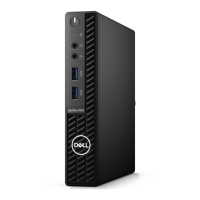
Chapter 2: Dust Filter for OptiPlex Micro...................................................................................... 5
Chapter 3: After installing the accessory.......................................................................................6
Chapter 4: Getting help................................................................................................................. 7
Contacting Dell..................................................................................................................................................................... 7
Contents
Contents 3










 To Next Page