EasyManua.ls Logo

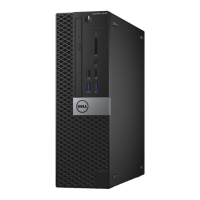
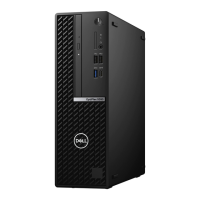
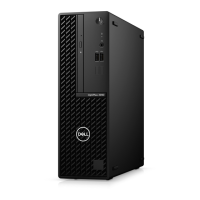
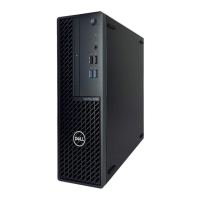
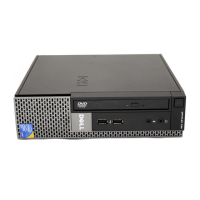
Dell OptiPlex 5080 Small Form Factor - User Manual

Dell OptiPlex 5080 Small Form Factor
51 pages
Print Icon
To Next Page IconTo Next Page
Loading...
OptiPlex 5080 Small Form Factor
Service Manual
Regulatory Model: D15S
Regulatory Type: D15S001
May 2020
Rev. A00

Table of Contents

Other manuals for Dell OptiPlex 5080 Small Form Factor

Questions and Answers

  • J
    Joseph MeyersSep 18, 2025
    Why filename cannot contain special characters on Dell OptiPlex 5080 Small Form Factor?
    • K
      Kenneth RodriguezSep 18, 2025
      If your Dell Desktop displays 'A FILENAME CANNOT CONTAIN ANY OF THE FOLLOWING CHARACTERS: \/:*?"| -', avoid using these characters in filenames.
  • S
    Scott MurraySep 23, 2025
    What to do if the time or date stored in the system setup program does not match the system clock on Dell OptiPlex 5080 Small Form Factor Desktop?
    • A
      Andrew AndersonSep 23, 2025
      Correct the settings for the Date and Time options on your Dell Desktop.
  • J
    Jeremy CantuAug 28, 2025
    What does it mean if my Dell Desktop displays 'System fan failure'?
    • T
      Timothy ScottAug 28, 2025
      This message indicates that the system fan has failed.
  • R
    Ronnie RiveraSep 6, 2025
    How to fix 'Gate A20 Failure' on Dell OptiPlex 5080 Small Form Factor?
    • C
      curtisdianeSep 6, 2025
      If your Dell Desktop displays 'Gate A20 Failure', a memory module may be loose. Try reinstalling the memory module, or replace it if necessary.
  • B
    brennanangelaAug 28, 2025
    Why does my Dell OptiPlex 5080 Small Form Factor say 'CMOS checksum error'?
    • B
      Brittany DavisAug 28, 2025
      This message indicates that the RTC is reset, and the BIOS Setup default has been loaded.
  • M
    Madison SmithSep 13, 2025
    What to do if operating system is not found on Dell OptiPlex 5080 Small Form Factor Desktop?
    • J
      Jeffrey EwingSep 13, 2025
      If your Dell Desktop shows 'OPERATING SYSTEM NOT FOUND,' reinstalling the operating system might solve the problem. If the issue continues, further assistance may be needed.
  • E
    Edward HallSep 8, 2025
    What does steady white light mean on Dell OptiPlex 5080 Small Form Factor Desktop and how to fix it?
    • J
      Joseph DavidSep 8, 2025
      If your Dell Desktop is not responding and shows a steady white light, ensure the display is connected and turned on. If it is, listen for a beep code.
  • P
    Paige CarterSep 18, 2025
    What to do if my Dell Desktop has decreasing available memory?
    • D
      Daniel LozanoSep 18, 2025
      If your Dell Desktop shows decreasing available memory, it may be due to faulty or improperly seated memory modules. Reinstall the memory modules, or replace them if necessary.
  • R
    Ryan PayneSep 16, 2025
    How to fix PCI or video card/chip failure on Dell Desktop?
    • C
      Carlos DudleySep 16, 2025
      If your Dell Desktop shows 'PCI or Video card/chip failure', replace the system board.
  • C
    Cynthia DennisSep 23, 2025
    What to do if a chip on the system board may be malfunctioning on Dell Desktop?
    • L
      Leslie DavisSep 23, 2025
      Run the System Set tests in Dell Diagnostics on your Dell Desktop.

Dell OptiPlex 5080 Small Form Factor Specifications

General IconGeneral
BrandDell
ModelOptiPlex 5080 Small Form Factor
CategoryDesktop
LanguageEnglish

Related product manuals