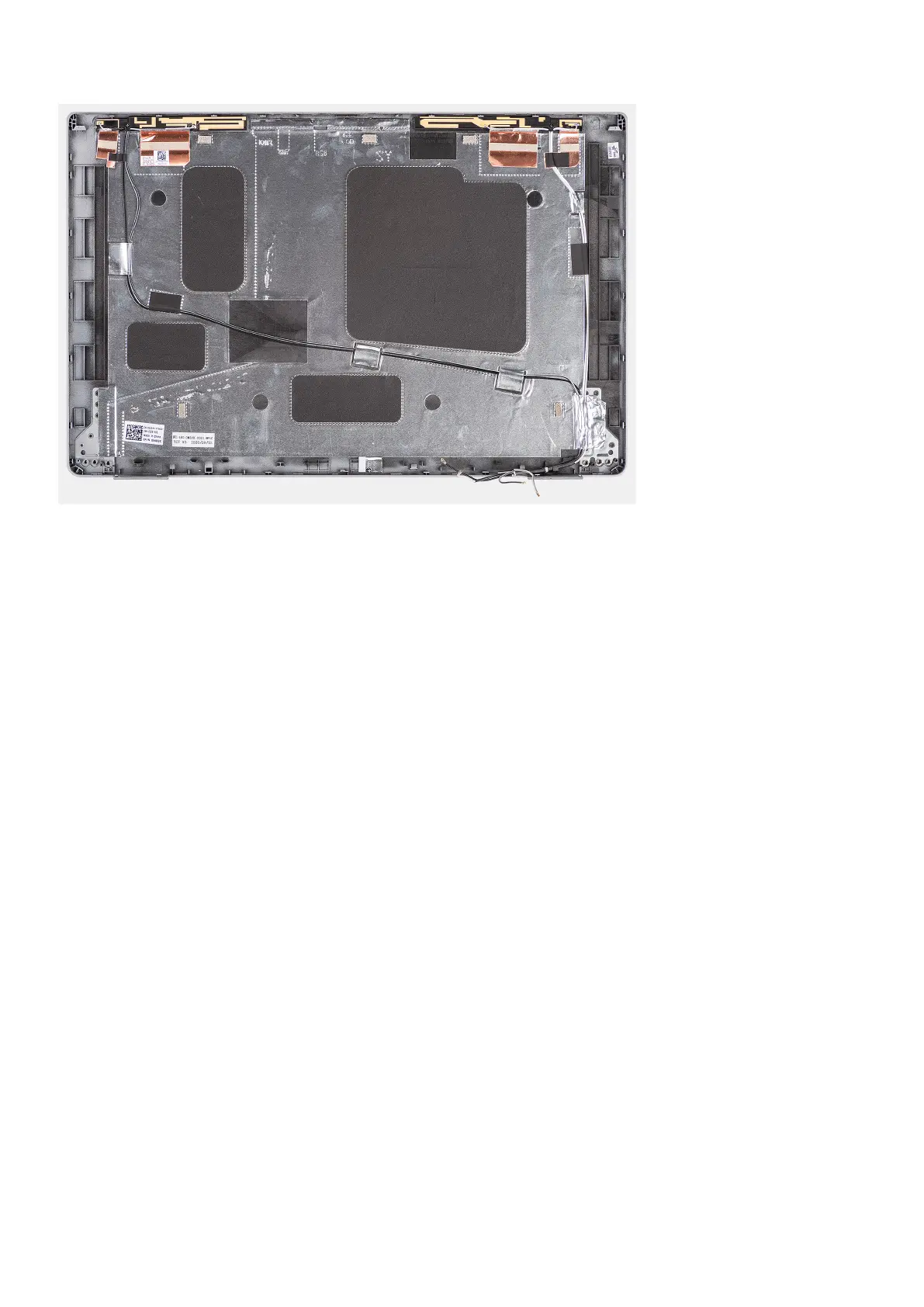
Steps
Place the display back cover on a flat surface.
Next steps
1. Install the display hinges.
2. Install the sensor board.
3. Install the eDP/display cable.
4. Install the camera module.
5. Install the display panel.
6. Install the display bezel.
7. Install the display assembly.
8. Install the WWAN card.
9. Install the wireless card.
10. Install the base cover.
11. Install the microSD card.
12. Install the SIM card.
13. Follow the procedure in After working inside your computer.
Dummy SIM-card slot filler
Removing the dummy SIM-card slot filler
Prerequisites
1. Follow the procedure in Before working inside your computer.
2. Remove the SIM card.
3. Remove the microSD card.
4. Remove the base cover.
5. Remove the memory module.
6. Remove the 2280 solid-state drive or 2230 solid-state drive.
7. Remove the battery.
8. Remove the hard drive.
118
Removing and installing components



 To Next Page