Installing the palm-rest assembly
Prerequisites
If you are replacing a component, remove the existing component before performing the installation process.
About this task
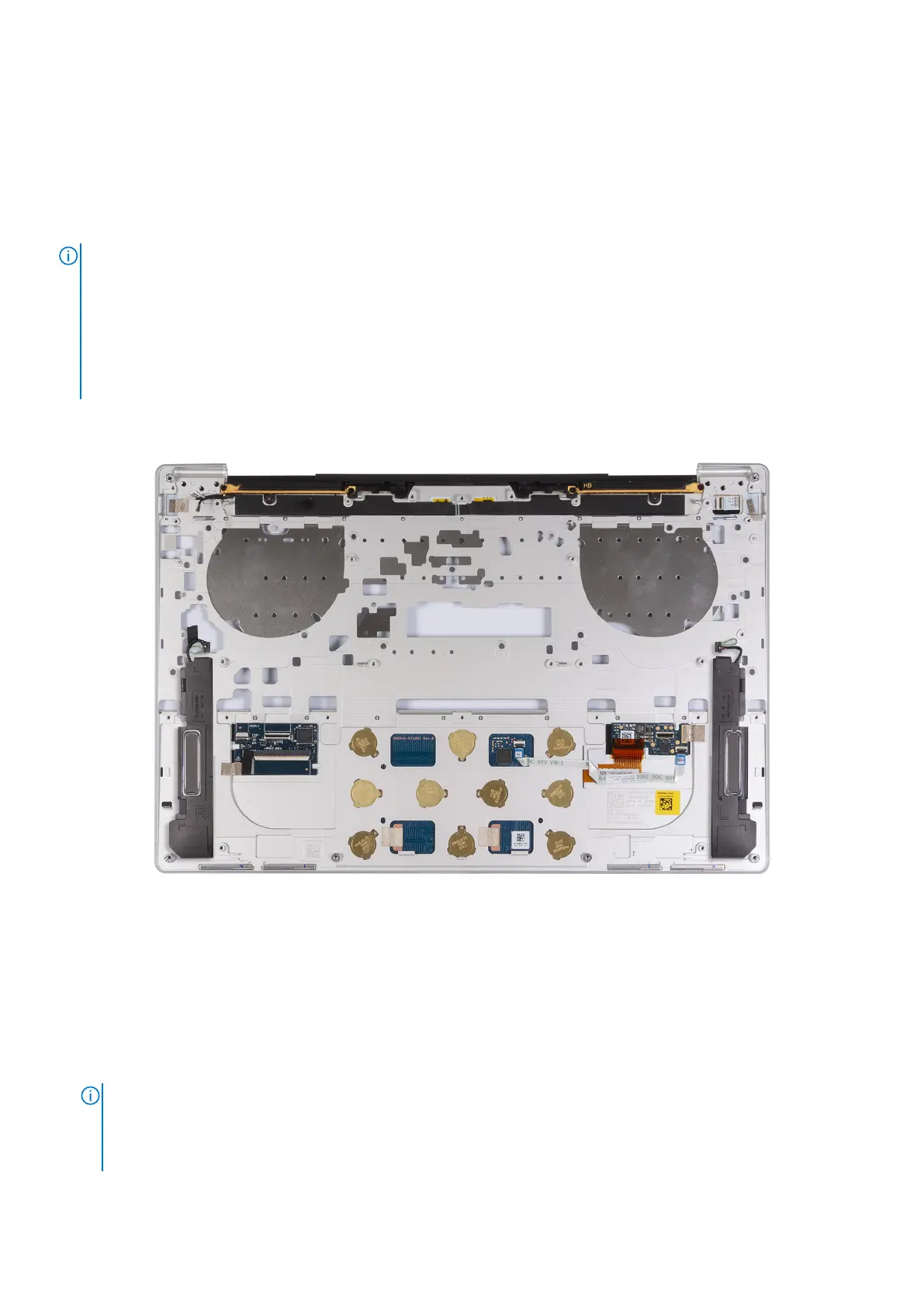
NOTE: The replacement palm-rest assembly comes preassembled with the following components that include the following:
● palm rest
● speakers
● wireless-antenna modules
● touchpad
● haptic module
● keyboard control daughterboard
The following images indicate the location of the palm-rest assembly and provide a visual representation of the installation
procedure.
Figure 55. Installing the palm-rest assembly
Steps
Place the palm-rest assembly on a flat surface.
Next steps
1. Install the keyboard.
2. Install the power button with fingerprint reader.
3. Install the system board.
NOTE:
The system board can be replaced with the following components preattached:
● heat sink
● fans
● solid-state drive
4. Install the display assembly.
Removing and installing Field Replaceable Units (FRUs)
73





 To Next Page