50 │ Operating your monitor
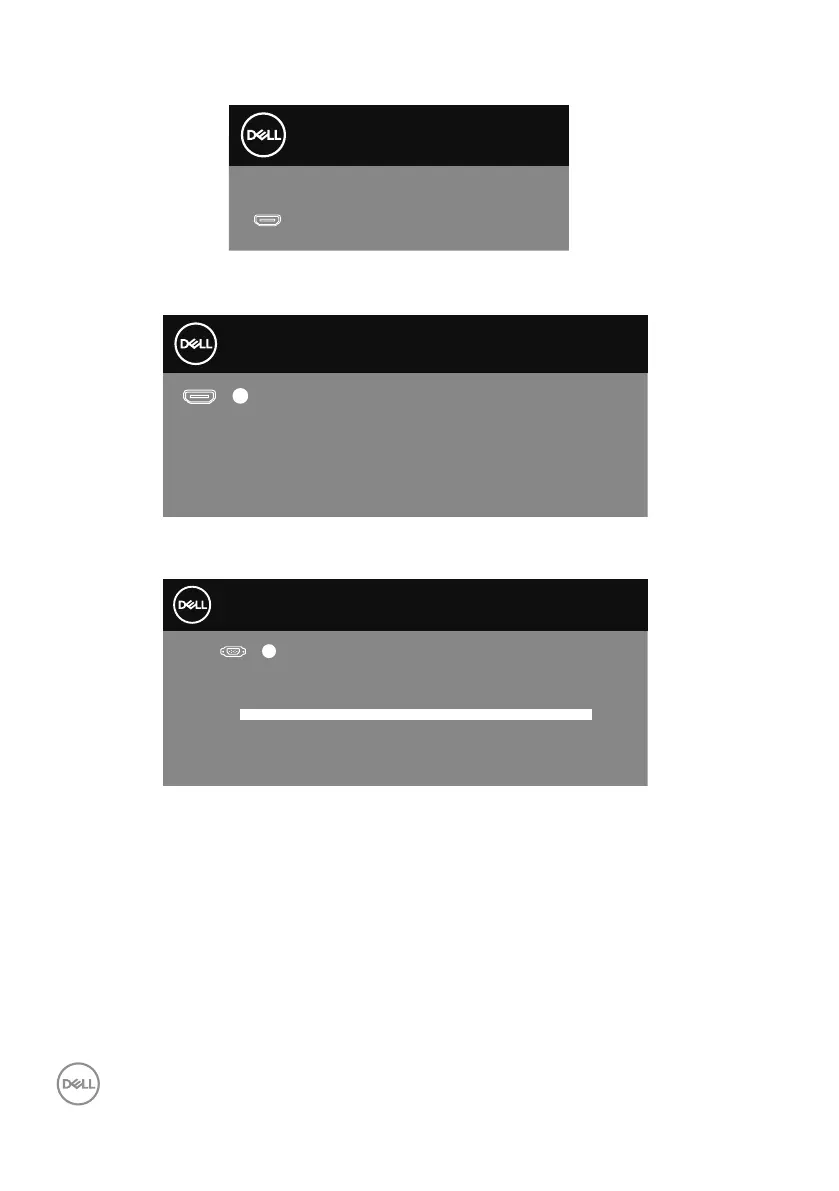
When the monitor enters the Standby Mode, the following message appears:
Dell
P2418HZ
Dell 20 Monitor
P2018H
Going into Standby Mode...
If you press any button other than the power button, the following messages will
appear depending on the selected input:
Dell
P2418HZ
Dell 20 Monitor
P2018H
Press any key on the keyboard or move the mouse to wake it up.
If there is no display, press the monitor button again to select
the correct input source.
?
No HDMI signal from your device.
If VGA, HDMI or DP cable is not connected, a floating dialog box as shown below
appears. The monitor will enter Standby Mode after 4 minutes if left at this state.
Dell
P2418HZ
Dell 20 Monitor
No VGA Cable
www.dell.com/support/monitors
?
P2018H
The display will go into Standby Mode in 4 minutes.
or



 To Next Page