Operating your monitor │ 53
Using the Tilt, Swivel, and Vertical Extension
NOTE: This is applicable for a monitor with a stand. When any other
stand is bought, please refer to the respective stand setup guide for
set up instructions.
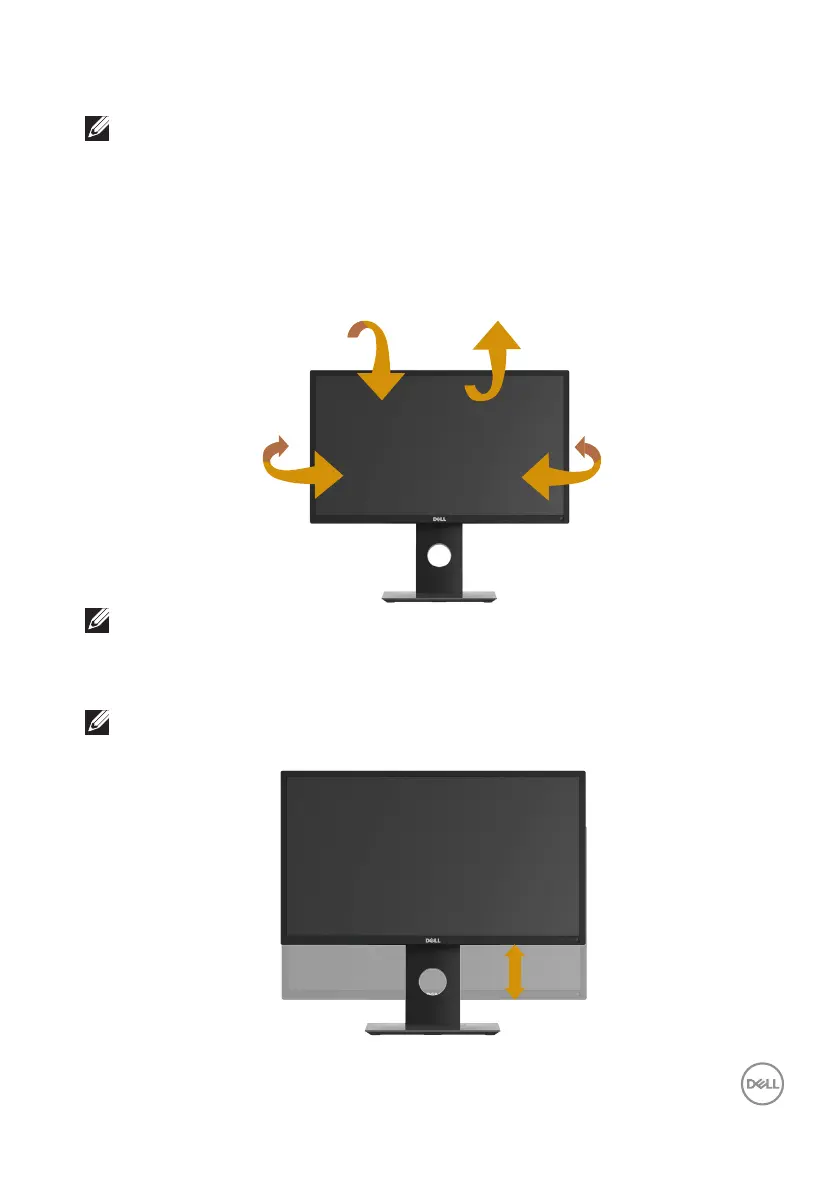
Tilt, Swivel
With the stand attached to the monitor, you can tilt and swivel the monitor for the
most comfortable viewing angle.
45°
45°
5° 21°
NOTE: The stand is detached when the monitor is shipped from the
factory.
Vertical Extension
NOTE: The stand extends vertically up to 130 mm. The figure below
illustrates how to extend the stand vertically.



 To Next Page