52 │ Operating the monitor
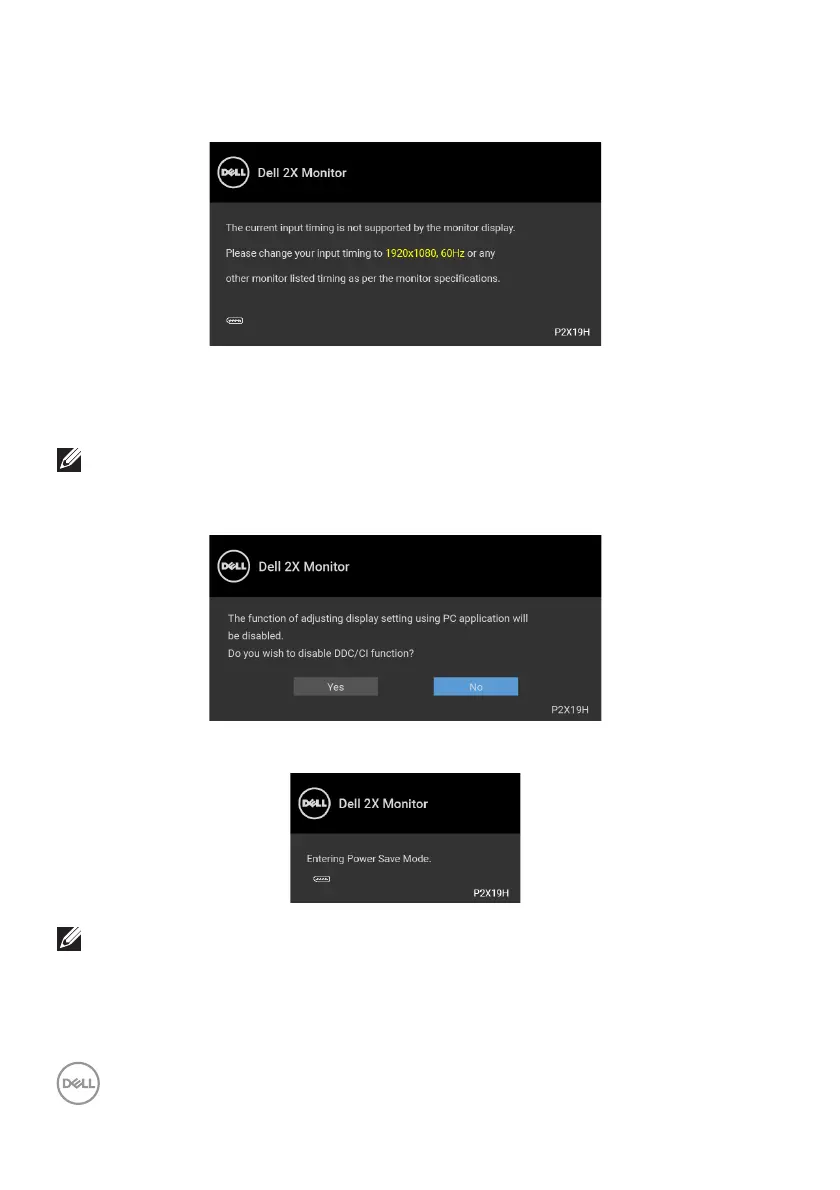
When the monitor does not support a particular resolution mode, you will see the
following message:
This means that the monitor cannot synchronize with the signal that it is receiving
from the computer. See Monitor specifications for the Horizontal and Vertical
frequency ranges addressable by this monitor. Recomm
ended mode is 1920 x 1080.
NOTE: The message may be slightly different according to the
connected input signal.
You will see the following message before the DDC/CI function is disabled:
When the monitor goes into power-save mode, the following message appears:
NOTE: The message may be slightly different according to the
connected input signal.
Activate the computer and wake up the
monitor to gain access to the OSD.



 To Next Page