32 | Setting Up the Monitor
NOTE:
1 USB Type-C Alternate mode with DP 1.2, DP 1.1 is not supported.
2 Supports USB PD (Power Delivery) profiles up to 65W(20V/3.25A).
3 If your computer requires >65W(20V/3.25A) to operate and the battery is drained, it
may not power up or charge with P2219HC/P2419HC/P2719HC USB Type-C PD.
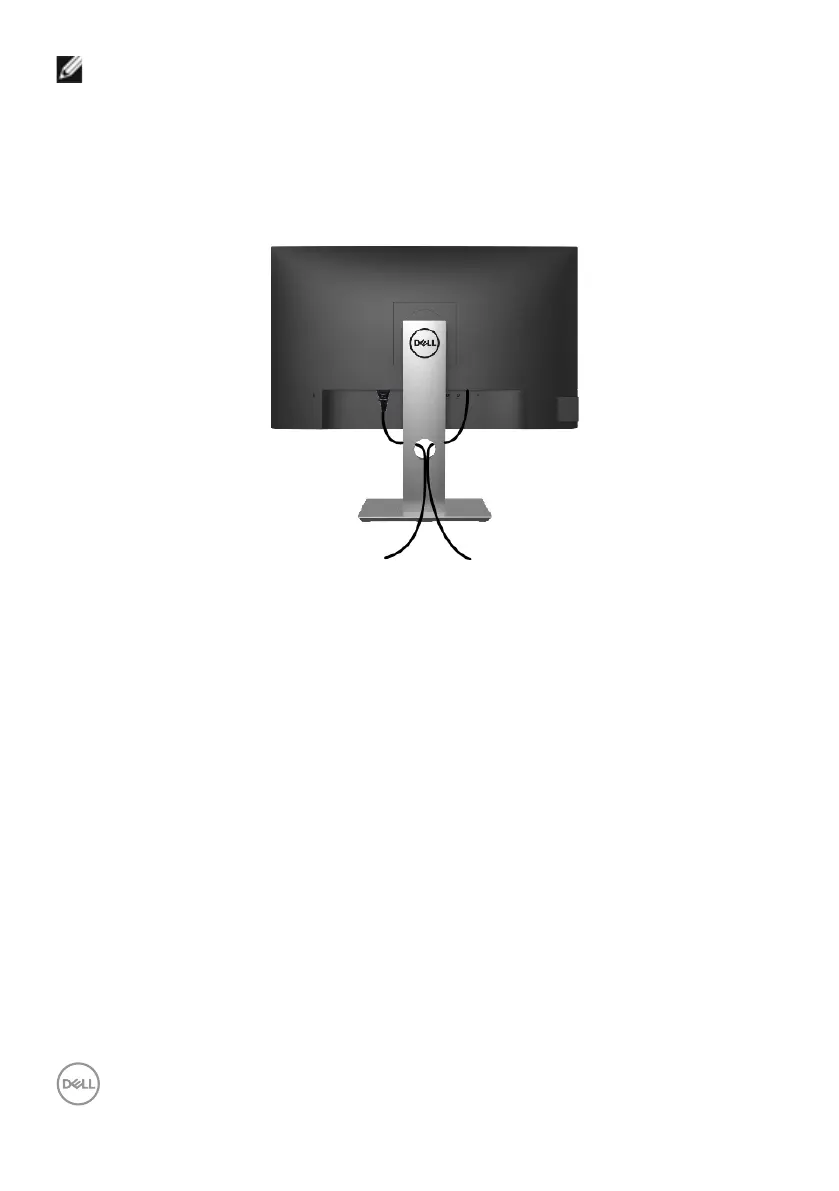
Organizing Your Cables
After attaching all necessary cables to your monitor and computer, (see Connecting Your
Monitor for cable attachment) organize all cables as shown above.


 To Next Page