Operating the monitor │ 57
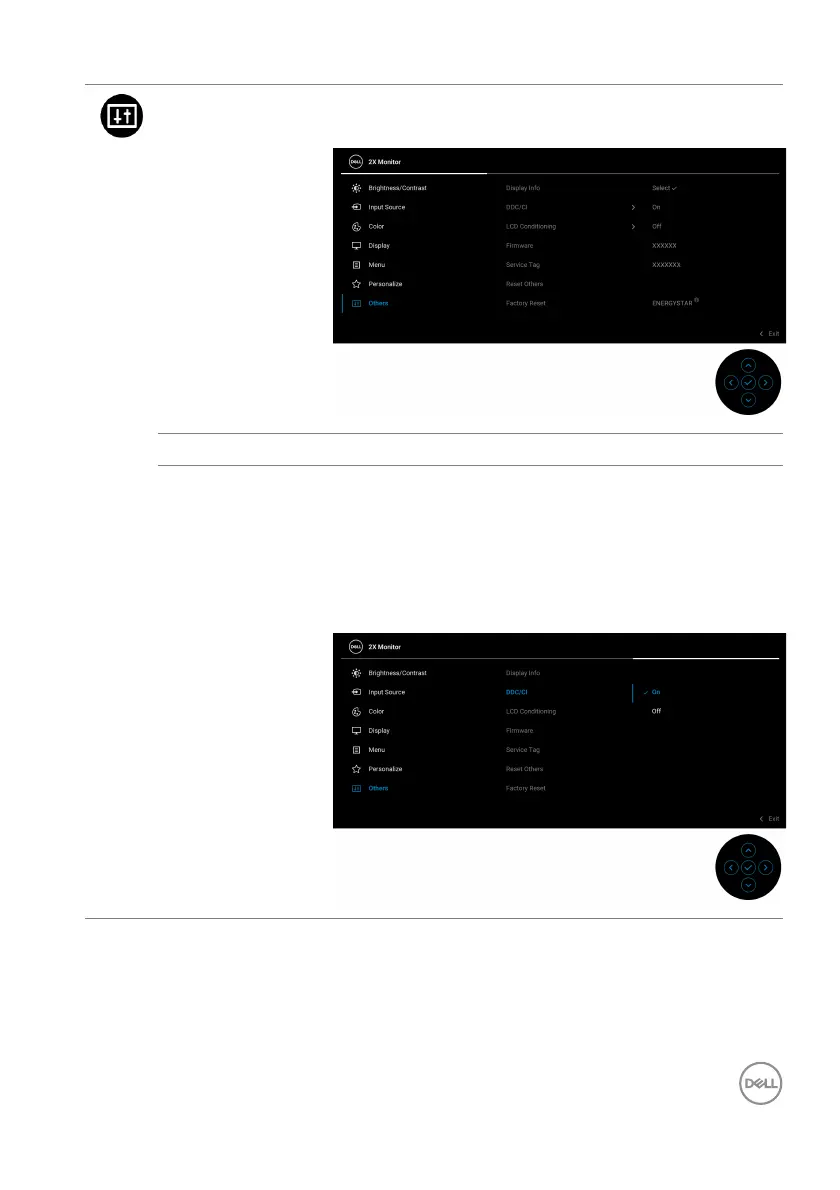
Others Select this menu to adjust the OSD settings, such as
DDC/CI, LCD Conditioning, and so on.
Display Info Displays the monitor's current settings.
DDC/CI DDC/CI
(Display Data Channel/Command Interface)
allows you to adjust the monitor settings using
software on your computer. You can disable this
feature by selecting Off.
Enable this feature for best user experience and
o
ptimum performance of your monitor.



 To Next Page