Operating the monitor │ 61
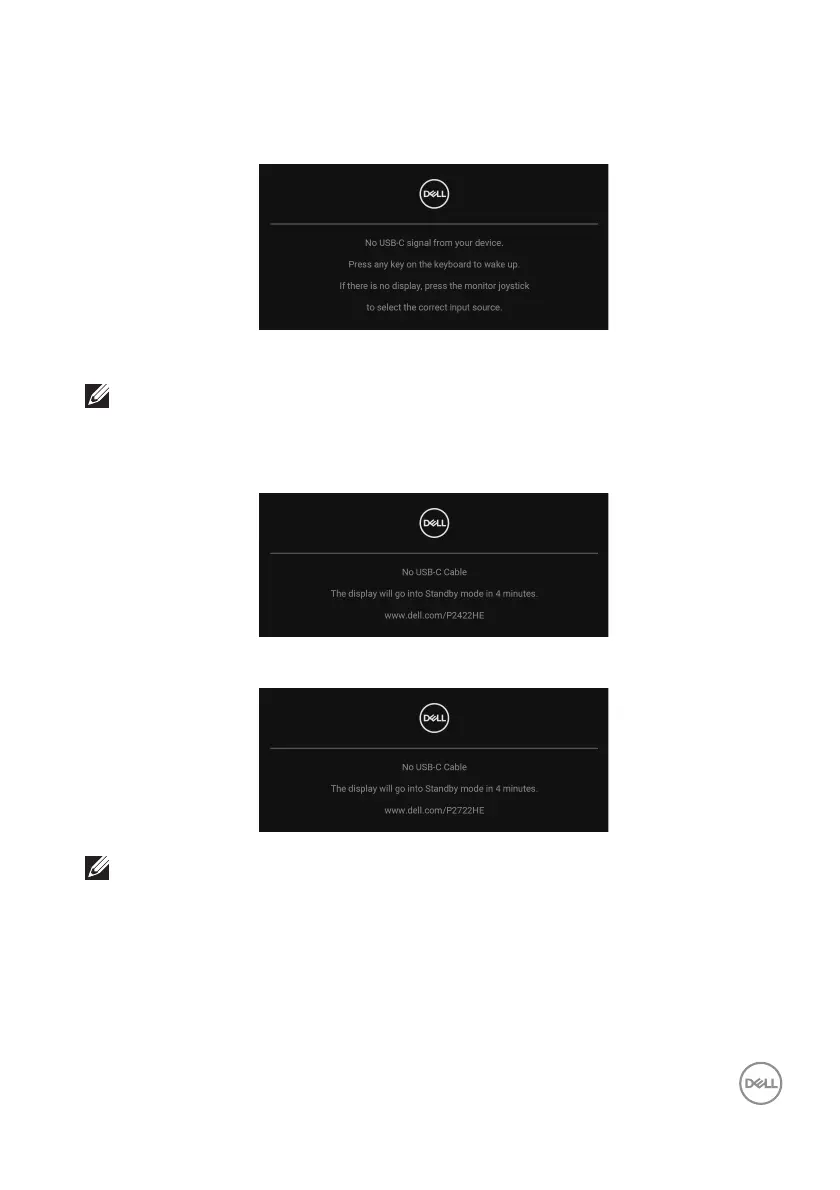
The OSD functions only in the normal operation mode. If you press the joystick
during the Standby mode, the following message will appear depending on the
selected input:
Activate the computer and the monitor to gain access to the OSD.
NOTE: The message may be slightly different according to the
connected input signal.
If either USB Type-C, DisplayPort, or HDMI inp
ut is selected and the corresponding
cable is not connected, the following message will appear:
or
NOTE: The message may be slightly different according to the
connected input signal.



 To Next Page