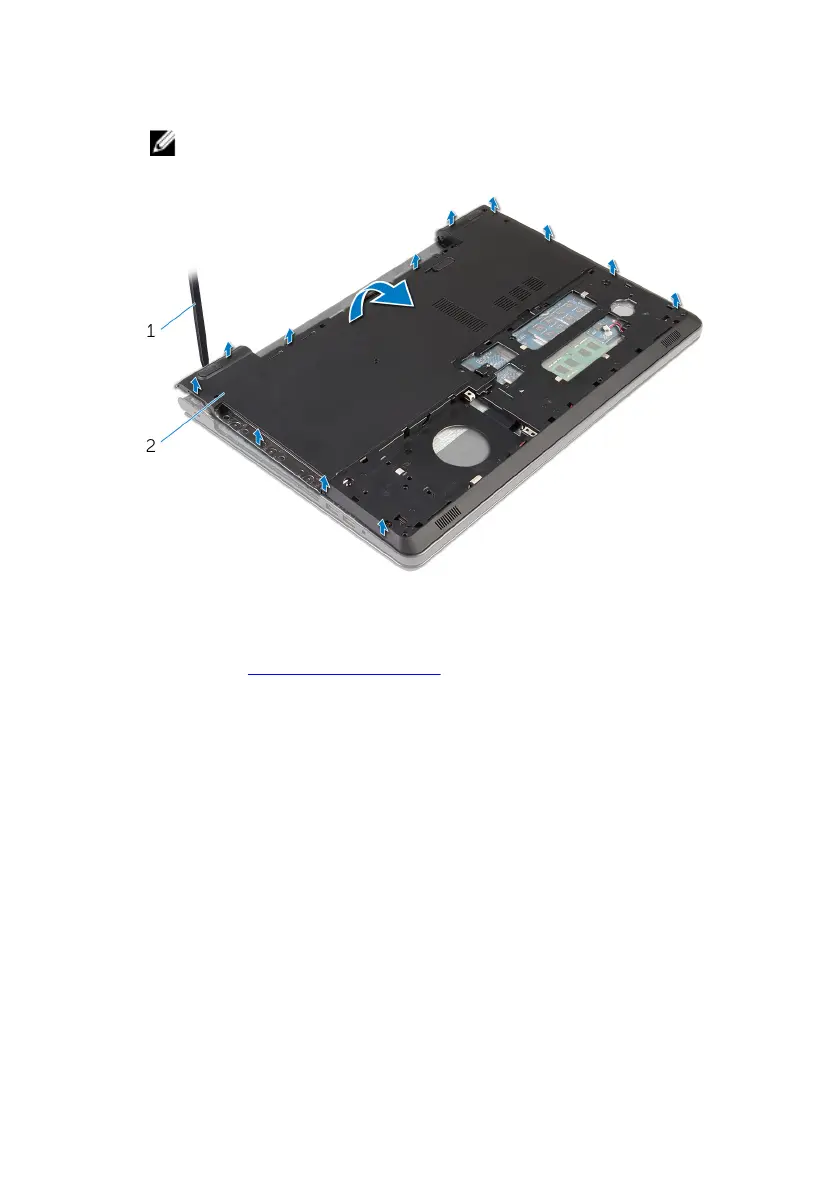
7 Using your fingertips, starting from the rear, pry the computer base off
the palm-rest assembly.
NOTE: Ensure the antenna cables are completely removed from the
routing guides on the computer base.
1 computer base
8 Turn the computer base over.
9 Remove the optical-drive interposer.
44



 To Next Page