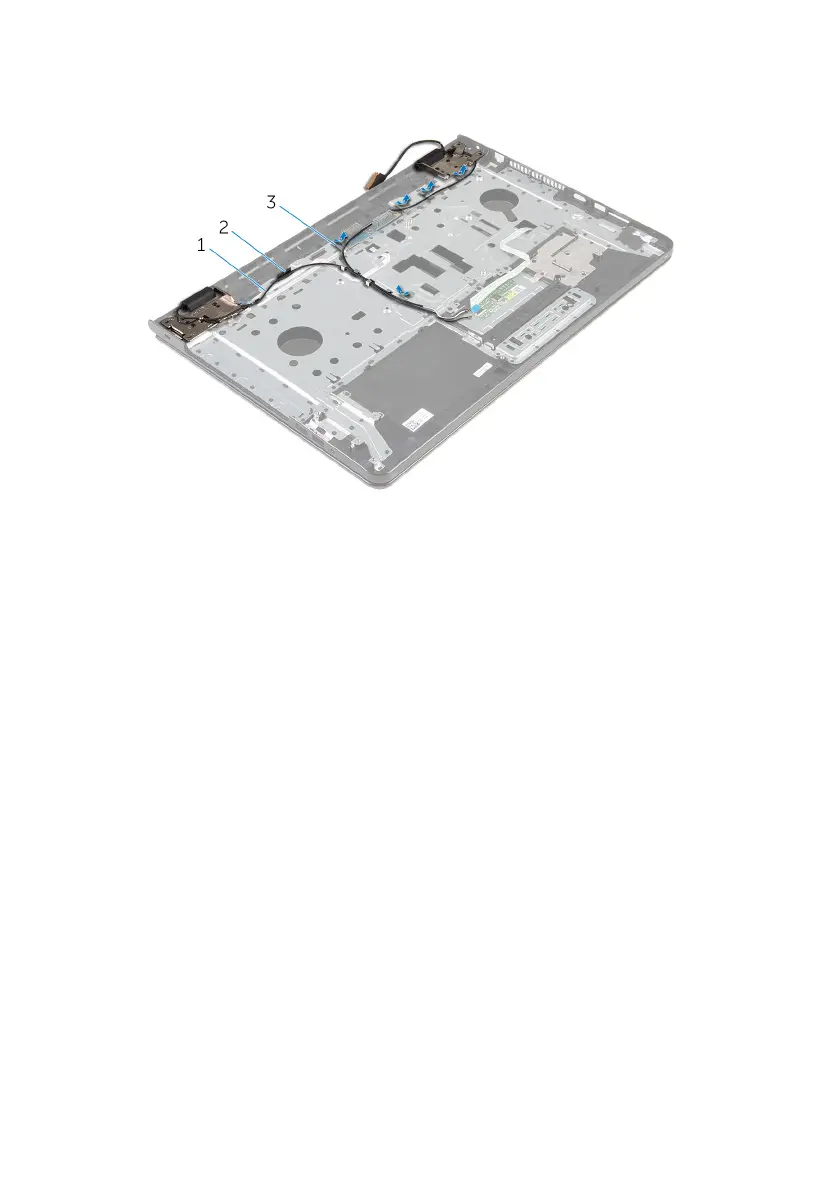
2 Peel off the tapes that secure the antenna cables to the palm-rest
assembly.
1 antenna cables (2) 2 routing guide
3 tapes (5)
3 Open the display at an angle of 90 degrees.
4 Place the computer on the edge of a table so that the palm-rest
assembly is on the table and the display assembly extends past the table
edge with the display hinges facing up.
5 Remove the screws that secure the display hinges to the palm-rest
assembly.
74



 To Next Page