3. display-panel assembly 4. display cable
CAUTION: Place the display-panel assembly on a soft and clean surface to avoid scratching the display.
4. Turn the display-panel assembly over and place it on a flat surface with the display facing down.
5. Remove the camera.
6. Remove the sensor board.
7. Remove the display cable.
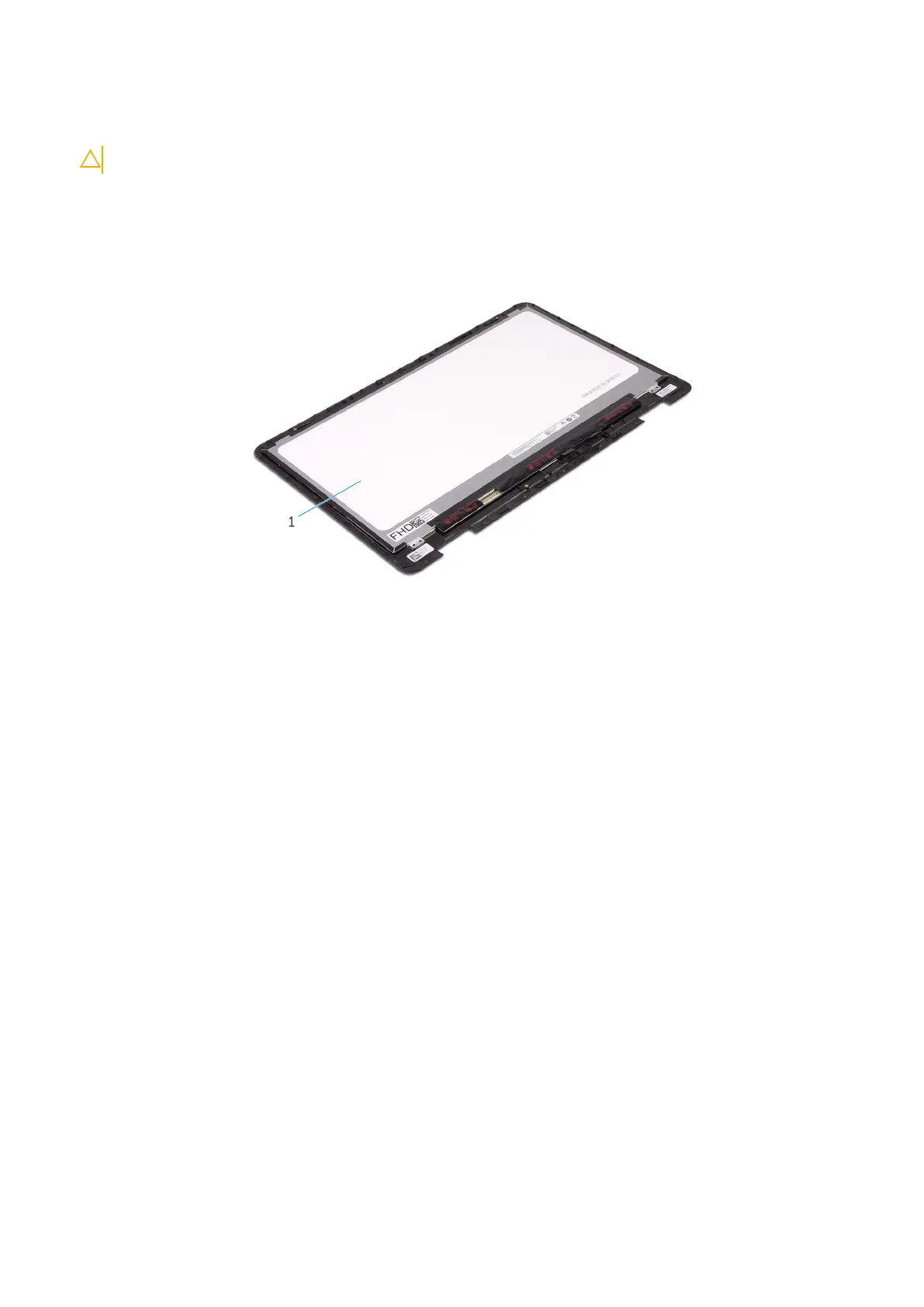
After performing the above steps, we are left with the display panel.
Figure 37. Display panel
a. display panel
74
Removing the display panel



 To Next Page