About Your Monitor | 23
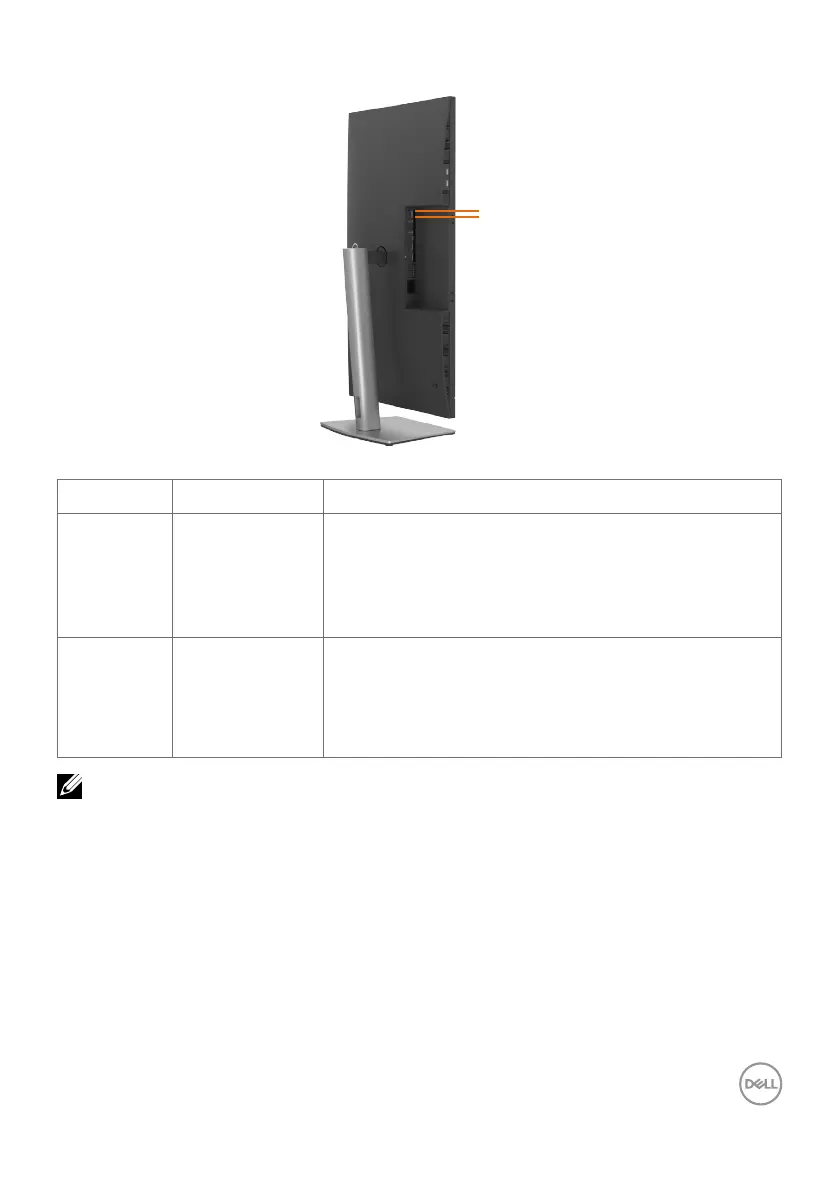
RJ45 Connector LED Status:
Left LED
Right LED
LED Color Description
Right LED Amber or Green Speed indicator:
• Amber On - 1000 Mbps
• Green On - 100 Mbps
• Off - 10 Mbps
Left LED Green Link / Activity indicator:
• Blinking - Activity on the port.
• Green On - Link is being established.
• Off - Link is not established.
NOTE: RJ45 cable is non in-box standard accessory.



 To Next Page