18 | About your monitor
Identifying parts and controls
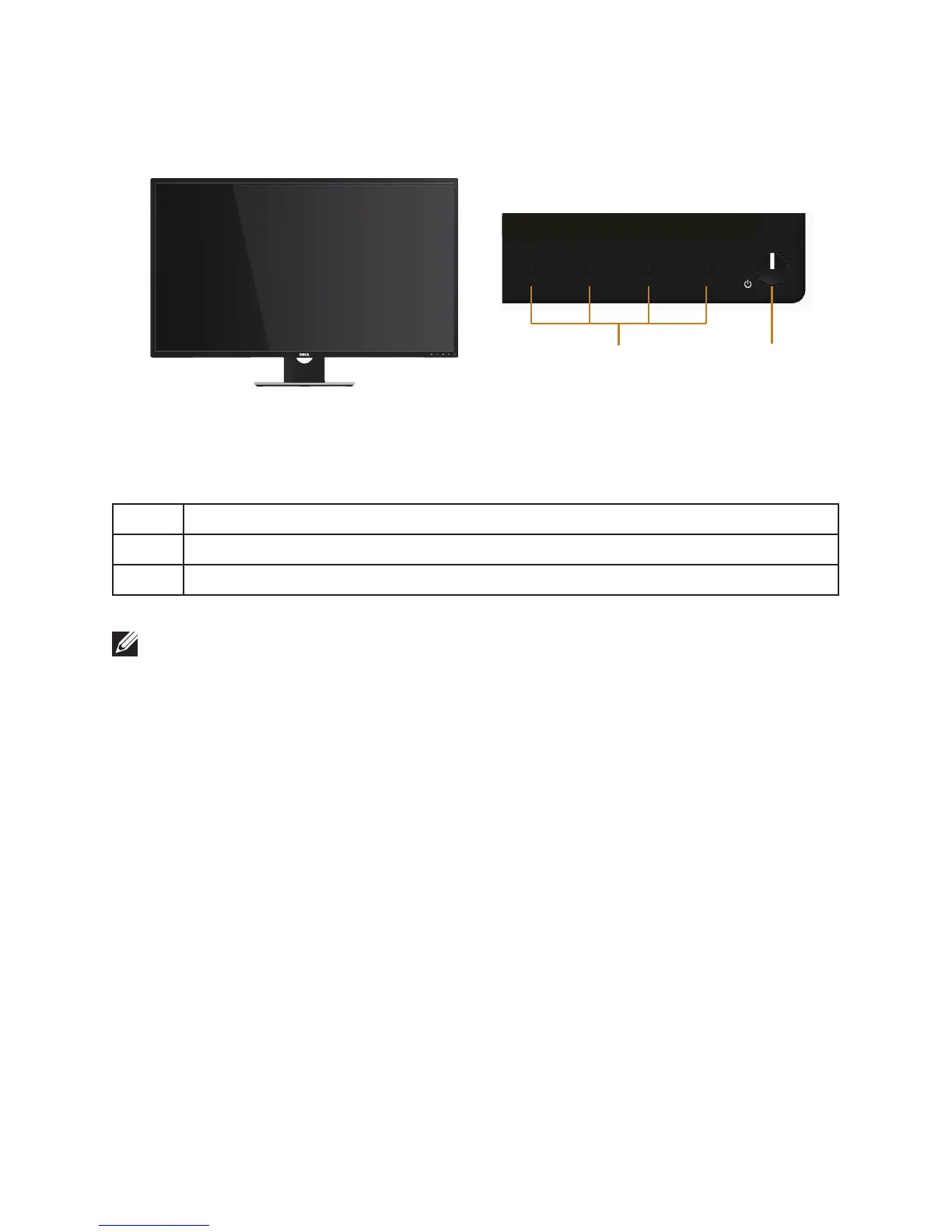
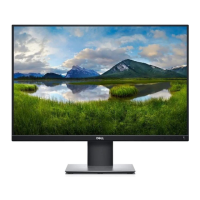
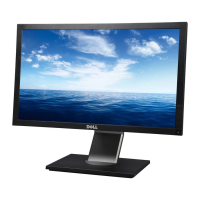
Front View
Front panel controls
2
1
Label Description
1 Function buttons (For more information, see Operating your monitor)
2 Power on/off button (with LED indicator)
NOTE: For displays with glossy bezels the user should consider the placement of
the display as the bezel may cause disturbing reflections from surrounding light
and bright surfaces.


 To Next Page