Installing and Configuring Hardware 47
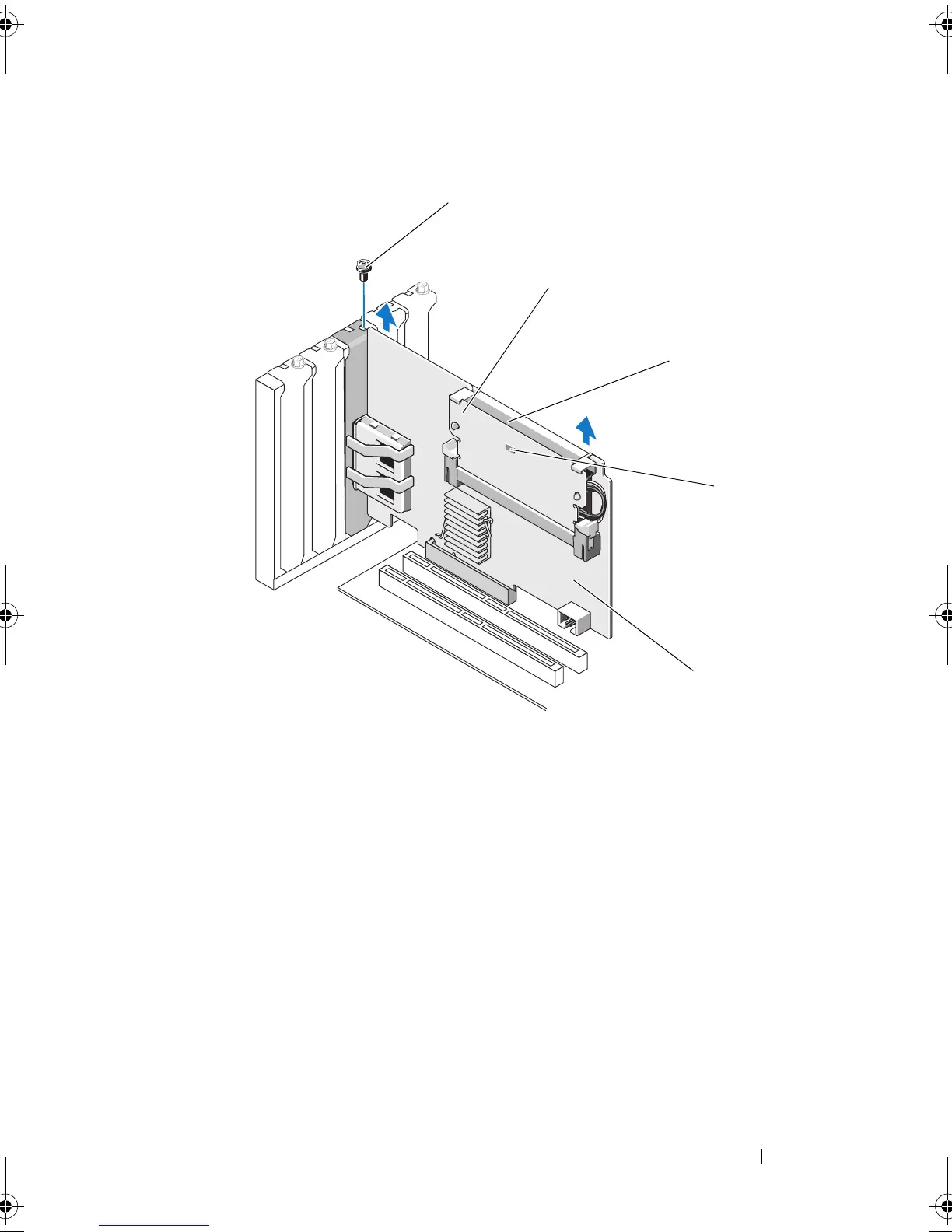
Figure 4-5. Removing the PERC H800 Adapter
5
Disconnect the data cables and battery cable from the PERC H700.
Remove any retention mechanism, such as a bracket screw, that might
be holding the PERC H700 in the system, and gently lift the controller
from the system’s PCI-E slot.
1 bracket screw 2 memory module
3 battery 4 Dirty Cache LED
5 PERC H800 Adapter
PERC7.2_UG.book Page 47 Thursday, March 3, 2011 2:14 PM















 To Next Page