54 Installing and Configuring Hardware
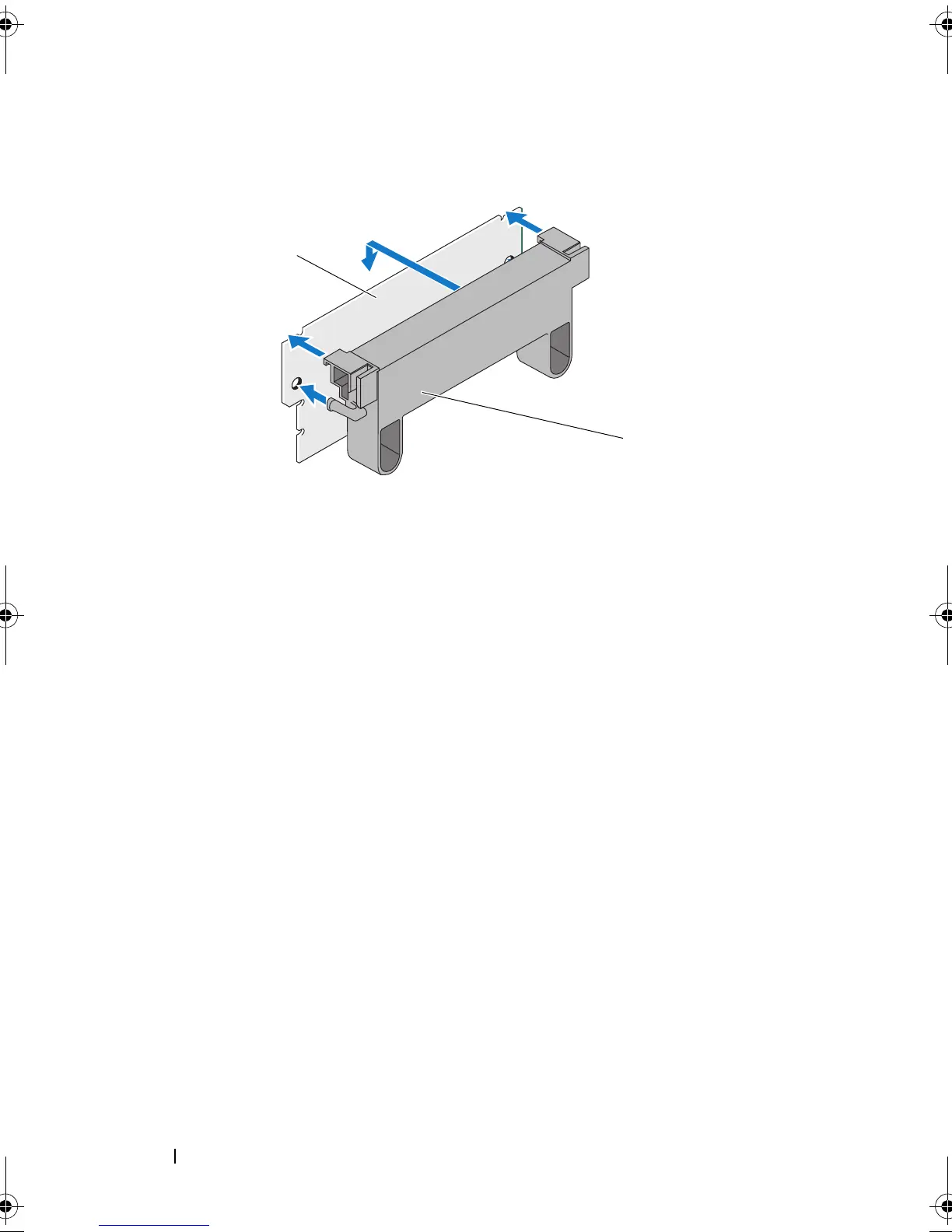
Figure 4-10. Mounting the DIMM Support onto the DIMM
3
Align the keyed edge of the
DIMM
to the physical divider on the memory
socket to avoid damage to the module.
4
Insert the DIMM in the memory socket. Apply a constant, downward
pressure on both ends or the middle of the DIMM until the retention clips
fall in the allotted slots on either side of the DIMM. See Figure 4-11.
1 DIMM 2 DIMM support
PERC7.2_UG.book Page 54 Thursday, March 3, 2011 2:14 PM















 To Next Page