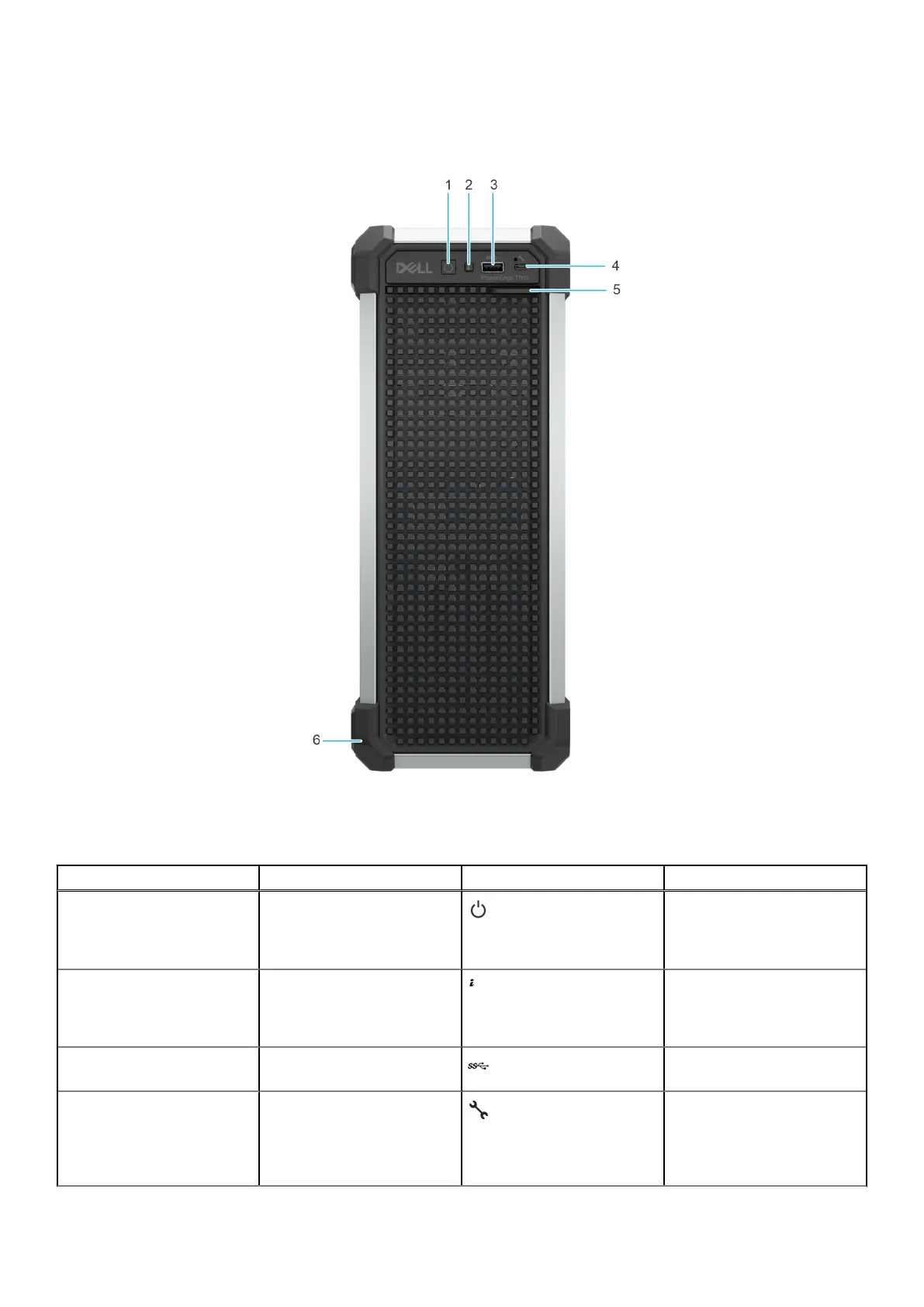
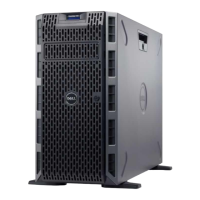
Front view of the system
Figure 1. Front view of the system
Table 1.
Features available on the front of the system
Item Ports, panels, and slots Icon Description
1 Power button Indicates if the system is
powered on or off. Press
the power button to manually
power on or off the system.
2 Status LED indicators Indicates the status of the
system. For more information,
see the Status LED indicators
section.
3 USB 3.2 port Supports USB 3.2 compliant
devices.
4 iDRAC Direct (Micro-AB USB)
port
The iDRAC Direct (Micro-AB
USB) port enables you to
access the iDRAC direct
Micro-AB USB features.
For more information, see
8 Dell PowerEdge T160 system overview









 To Next Page