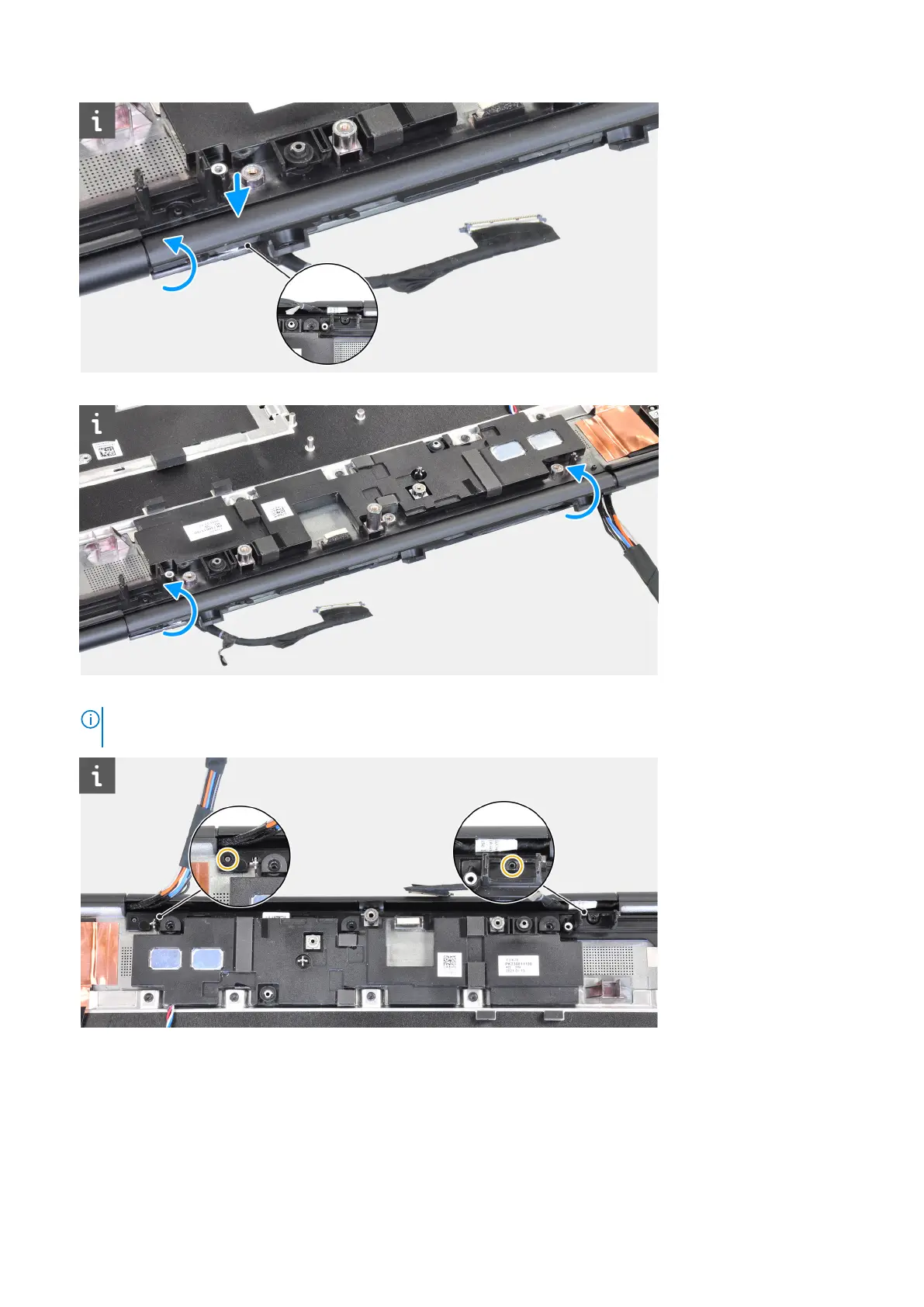
3. Rotate the hinge cap and tuck the tabs on the middle cap underneath the speaker module.
4. Align and insert the middle cap onto the palmrest.
NOTE:
Ensure that the openings on the left and right side of the middle cap is secured in place by the two alignment
pegs on the palmrest.
5. Replace the four (M2x3) screws to secure the middle cap in place.
Next steps
1. Install the system board.
2. Install the inner frame.
3. Install the heat-sink assembly.
4. Install the GPU card.
86
Removing and installing components














 To Next Page